Picking a WordPress hosting plan in 2026 is not simpler than it was five years ago, at least not in my experience tracking the market. More providers, more pricing tiers, and more renewal rate tricks have made the decision harder, not easier. At Hosting Offer Today, I’ve spent years tracking hosting deals, running speed benchmarks, and documenting renewal price changes across dozens of providers, with methodology and results published in our benchmark and coupon tracking pages. This guide distills what that research actually shows.
What follows covers the three main plan types, real TTFB and uptime numbers from independent 2026 benchmarks, honest cost breakdowns including what you’ll pay after the intro period ends, and a final shortlist organized by site type. No hype, no padding. Just the information you need to make a confident decision before signing up.
Shared, managed, or cloud: which plan type actually fits your site
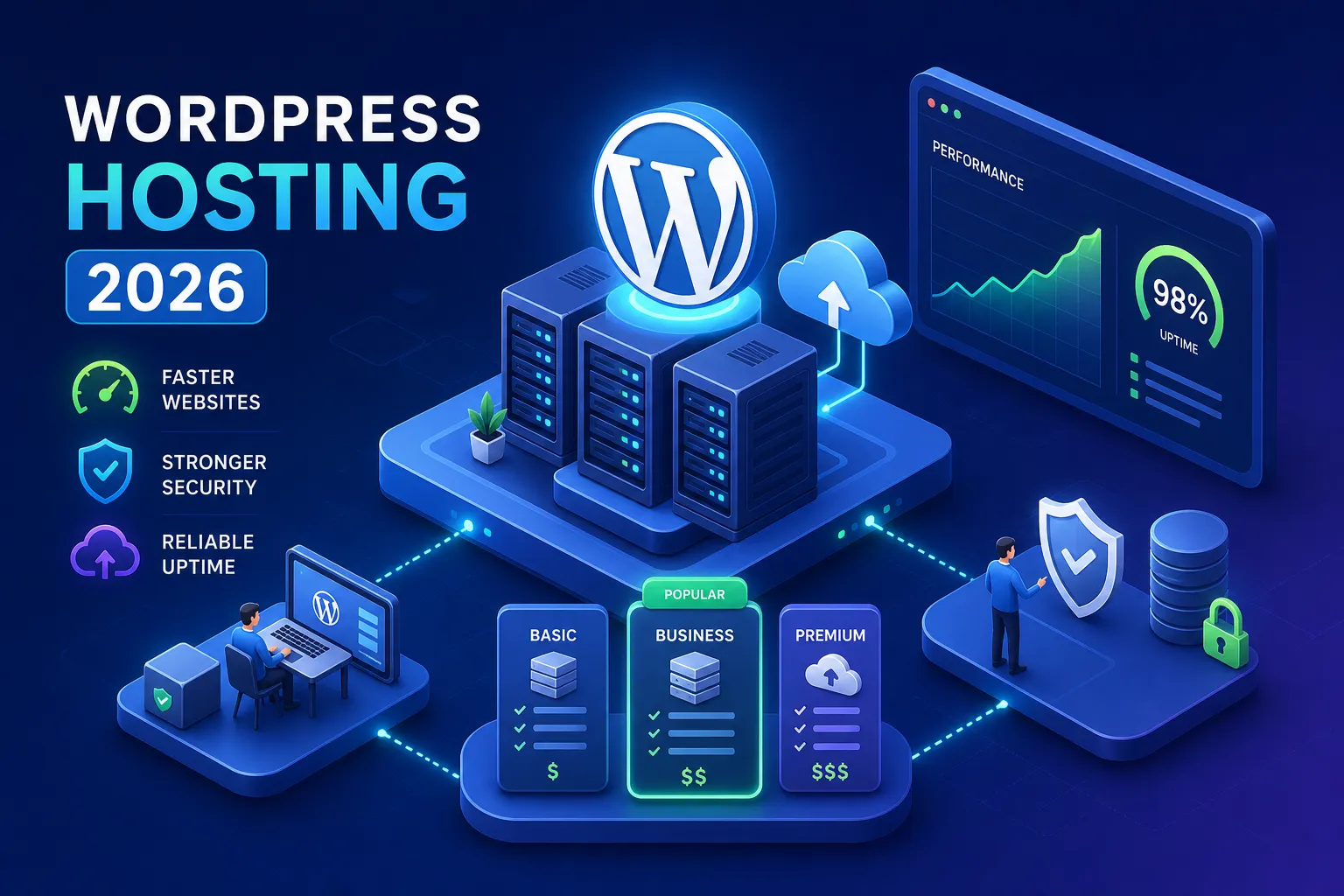
Choosing the wrong plan type costs more than choosing the wrong provider. Before you compare prices or read a single WP hosting review, decide which tier your site actually needs. Provider selection comes second.
Shared WordPress hosting: the entry point most beginners start with
Shared hosting puts multiple sites on the same server, splitting resources across all of them. It’s the cheapest option on the market, fast to set up, and a reasonable starting point for new blogs, personal portfolios, and lower-traffic sites, most hosting providers suggest shared plans hold up well below roughly 10,000 monthly visits, though your mileage will vary depending on content and plugins. The real tradeoff is unpredictable performance: when a neighboring site spikes in traffic, your site can slow down even if your own traffic is flat. For beginners who need to launch quickly and aren’t yet generating revenue from the site, shared hosting makes sense as a first step.
Managed WordPress hosting: built for performance and reliability
Managed hosting typically offers stronger resource isolation or dedicated resource allocations depending on the vendor and plan tier, handles WordPress-specific caching automatically, and many providers include security patching and automatic core updates as part of the package. You pay more, but you eliminate most of the technical maintenance burden. This tier is the right call for small businesses, WooCommerce stores, and any site that directly generates revenue. Many 2026 benchmarks show top managed hosts outperforming most shared plans on both TTFB and page load speed, though some value shared hosts like SiteGround and Hostinger perform competitively in specific tests. For a practical breakdown of what managed hosting includes and how pricing typically works, see our Managed WordPress Hosting: Features, Costs, and Top Picks.
Cloud WordPress plans: when your traffic needs room to grow
Cloud hosting sits above managed in terms of scalability. It uses horizontally scalable infrastructure, often built on Google Cloud or AWS, and auto-adjusts resources during traffic spikes without manual intervention. This tier makes sense for high-traffic publishers, growing SaaS landing pages, and any site that can’t absorb downtime. It’s also the most expensive option, so it only justifies its cost once your traffic volume and revenue make the upgrade financially obvious.
What WordPress hosting actually costs in 2026 (including the renewal rate reality)
The advertised price is almost never the price you’ll pay long-term. Understanding the renewal rate before you sign up is one of the most overlooked steps in evaluating any WordPress hosting plan, and the gap between intro and renewal pricing is wide enough to completely change the cost equation over a two or three-year term.
Intro prices vs. what you’ll actually pay at renewal
The gap between promotional and renewal pricing is significant across the industry. SiteGround’s StartUp plan starts at $2.99 per month but renews at $17.99 per month. Hostinger’s managed WordPress plan starts at $2.99 per month and renews at $10.99 per month. DreamHost’s shared starter plan opens at $2.59 per month and renews at $5.99 per month. The most reliable way to avoid that renewal spike is to lock in a two or three-year term at the intro rate, but that means committing to a provider before you’ve had much real experience with them.
The real cost comparison: what’s bundled vs. what’s extra
Price comparisons are misleading unless you factor in what’s included. A $5 per month plan that charges separately for daily backups and a CDN can easily cost more than a $9 per month plan that bundles everything. Several top WordPress hosting providers, including Kinsta, Cloudways, and WP Engine, bundle SSL, CDN, daily offsite backups, and staging environments at no extra cost across their plans. SiteGround includes SSL, CDN, and daily backups across its plans, but staging is gated behind higher-tier plans rather than available on the base StartUp tier. Bluehost charges extra for daily backups. HostGator only provides weekly backups by default, so daily coverage requires an add-on. A2 Hosting charges for backups on its basic tier. When you build the full cost picture, the sticker price tells only part of the story.
Performance benchmarks: who’s actually fastest for WordPress in 2026
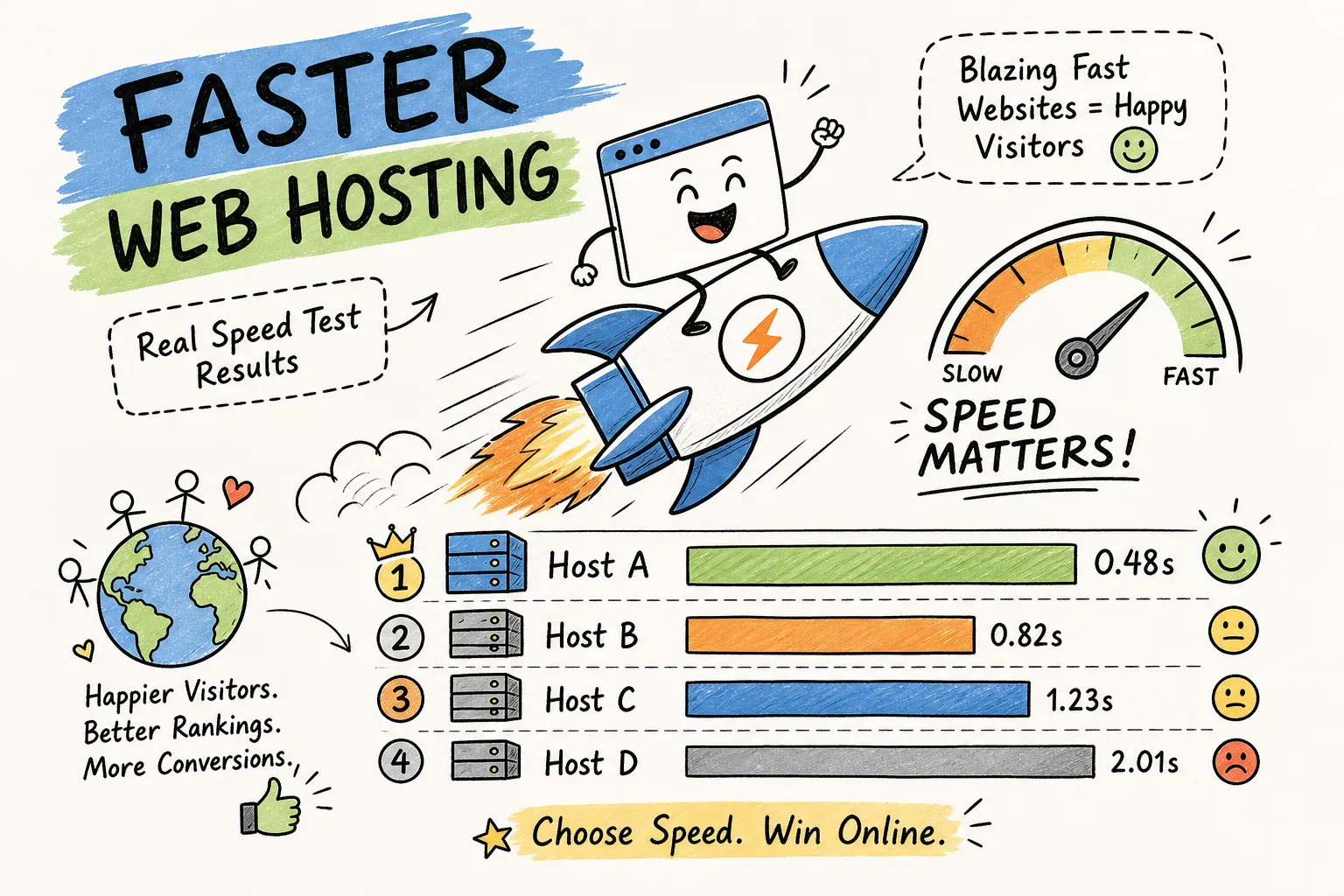
Marketing language about speed is everywhere, and benchmark data cuts through it faster than any sales page. Independent results are published in several dedicated suites, see a representative set of independent WordPress hosting benchmarks for how these tests are run and compared, and here’s what the data from those and similar tests actually shows across the WordPress hosting providers I track most closely, with figures drawn from third-party tools including Pingdom, GTmetrix, and site monitoring services that run ongoing checks throughout the year.
TTFB and page load speeds from independent testing
Across 2026 benchmark sets, Kinsta averages around 158 to 182ms global TTFB with approximately 1.2-second full page loads. WP Engine records roughly 169 to 367ms average TTFB depending on the test environment, with page loads around 1.29 seconds in Pingdom comparisons. At 74ms global TTFB in one independent benchmark, Pressable posted the fastest result in that particular test set. SiteGround comes in around 230 to 268ms global TTFB, with full page loads ranging from 1.6 to 2.28 seconds depending on the tool used. Hostinger sits around 345 to 450ms global TTFB in comparable test conditions, slower than the managed tier leaders, though its uptime remains strong.
TTFB can influence SEO by affecting metrics like Largest Contentful Paint (LCP), which is part of Google’s Core Web Vitals framework. A 158ms TTFB at Kinsta is meaningfully better than a 450ms TTFB at Hostinger for sites optimizing for search ranking, even if the visual difference isn’t always obvious to a casual visitor.
Uptime records and what SLA guarantees actually mean
WordPress.com, Pressable, and WP Engine each recorded 100% uptime in specific independently monitored windows, these figures reflect observed uptime in those cited monitoring periods rather than contractual guarantees. Kinsta and SiteGround hover between 99.97% and 99.99%. Hostinger recorded 99.98%. Those numbers look close, but the gap matters in practice. A published 99.9% SLA still permits over eight hours of downtime per year, which is a real problem for any revenue-generating site. For business sites and stores, observed uptime data from third-party monitors is more useful than the SLA floor printed in the terms of service.
The features that separate solid WordPress hosts from overpriced ones
Feature marketing creates noise. In practice, most WordPress site owners rely on a short list of core capabilities every day, and whether those are bundled or billed as extras makes a bigger difference to your actual monthly spend than the headline price.
SSL, CDN, daily backups, and staging: included or paid extras?
Kinsta and WP Engine bundle all four core features, free SSL, CDN, daily offsite backups, and staging, without charging extra regardless of plan tier. Cloudways similarly includes the full feature set. SiteGround includes SSL, CDN, and daily offsite backups across its plans at no extra cost; staging, however, is available on GrowBig and above but not on the entry-level StartUp plan. By contrast, Bluehost charges extra for daily backups, HostGator defaults to weekly backups only, and A2 Hosting charges for backups on its basic tier. At Namecheap, staging environments are gated behind higher-tier plans, and SSL is free only for the first year on some plans. For a curated list of hosts that include free SSL across their plans, see this roundup of best WordPress hosting with free SSL.
Support quality: response times and WordPress expertise that matter
24/7 support is table stakes at this point. What actually separates WordPress hosting providers is how fast and how capable that support is when something breaks. WPX targets live chat responses under 30 seconds in independent testing, and that benchmark was met in hands-on reviews. BigScoots and Rocket.net ranked highest in recent support quality comparisons, specifically because neither uses an AI chatbot layer and both resolve tickets fast. Kinsta’s live chat support is consistently rated as expert-level, with technically capable staff who handle complex WordPress issues without escalation delays. WP Engine adds phone support on higher-tier plans, which is worth noting for business owners who prefer a direct call when something goes wrong.
The best WordPress hosting picks for every site type in 2026
The right host depends on where your site is right now and where it’s heading. Here’s the shortlist organized by use case so you can match your situation directly.
Best for new blogs and personal sites on a tight budget
For brand-new sites with minimal traffic and limited budgets, Hostinger and DreamHost are the strongest shared options in 2026. Both offer solid uptime (99.98% and 99.96% respectively), include free SSL, and keep intro pricing genuinely low. Namecheap is also worth considering because its renewal pricing doesn’t spike as dramatically as some competitors, rates rise from around $3.24 per month to approximately $5.50 per month at renewal, which is a modest jump compared to the industry norm. Whichever you choose, lock in a two-year term upfront to avoid the renewal sticker shock that catches most beginners off guard. If you want a focused guide to truly low-cost options, check this article on cheap WordPress hosting.
Best for small businesses, WooCommerce stores, and growing blogs
Once your site generates revenue or runs a WooCommerce store, moving to managed WordPress hosting is the practical next step. SiteGround’s GrowBig plan is a strong option in this tier, balancing performance, bundled features, and price in a way that works well for most growing sites, though we’d call it an editorial recommendation rather than a claim backed by a single definitive dataset. Kinsta is the premium choice if page speed is non-negotiable. Its sub-200ms average global TTFB and 99.97% to 99.99% uptime record justify the $30 per month starting point for stores where conversion rate tracks directly to load speed. Independent 2026 testing shows Kinsta outperforming SiteGround on WooCommerce workloads, with average load times around 1.2 seconds versus SiteGround’s slower results under heavier traffic. For a focused comparison of top managed providers, see our Best Managed WordPress Hosting 2026: Top 6 Performance Picks.
Best for high-traffic and performance-critical sites
Pressable and WordPress.com stand out for global TTFB performance, with Pressable posting 74ms in one independent 2026 benchmark. Kinsta and WP Engine remain the most reliable premium options with proven uptime records across multiple monitoring sources. Rocket.net earns a place here specifically for its support quality and fast infrastructure, its support workflow skips the AI chatbot layer entirely, which makes a practical difference when hands-on troubleshooting matters. For any site where downtime or slow load times carry a direct revenue cost, these are the providers the data supports. For more details behind Kinsta’s architecture and performance testing, consult this Kinsta review.
WordPress hosting deals worth checking now: Before you sign up with any provider, check Hosting Offer Today’s current WordPress hosting deals. The site tracks live coupon codes, verified promotional pricing, and updated speed test data for every major host on this list. Prices change frequently, especially at renewal, so reviewing the latest offers before committing can save you significantly over a two or three-year term. Browse the latest WordPress hosting deals on Hosting Offer Today.
Making the final call
The right WordPress hosting plan comes down to three things: your site’s current size, its growth trajectory, and how directly it generates revenue. Shared hosting works for beginners who need to launch quickly without spending much. Managed WordPress hosting pays off once your site makes money, because performance and reliability start carrying a real cost when they fail. Cloud hosting becomes relevant when traffic volume makes shared resources a liability.
The most important step most buyers skip is checking the renewal rate, not just the intro price, and confirming which features are actually bundled before signing a long-term contract. A $3 per month plan that renews at $18 per month and charges extra for backups isn’t cheap. It’s expensive with a delayed invoice. Use Hosting Offer Today to compare current deals, verify pricing across plan tiers, and check live speed data before committing to any provider. The promotional period ends faster than it feels like it will, and the decisions you make now determine what you’re actually paying in year two and three.