Finding the best hosting for small business USA owners isn’t complicated, but most small business owners still get it wrong. Anecdotally, many pick a host based on the first Google ad they see, sign up for a plan with an irresistible introductory rate, and then face a rude surprise six months later when renewal pricing triples or customer support stops responding. That pattern is avoidable, but only if you know what to actually compare before you hand over a credit card. This guide cuts through the noise by evaluating the top US-focused hosting providers on the metrics that matter for a real business: verified uptime data, USD pricing with renewal rates included, US data center availability, and support that responds before downtime costs you customers. The pricing and deal availability referenced throughout this guide were cross-checked against current listings at Hosting Offer Today, which tracks live promotional rates and verified coupons across all the major providers.
2026 is a strong year to be shopping for hosting. Many reviewers note improved value and aggressive pricing among competitors, and there are legitimate deals available if you know where to look. The bad news is that misleading introductory pricing is still the norm across almost every major host. Working through this guide before you commit to a plan will save you real money and a lot of frustration down the road.
Ready to compare verified US deals right now? See current discounts on Hosting Offer Today before you read another provider’s marketing page.
What to look for before you pick a host
Uptime guarantees and what they actually mean
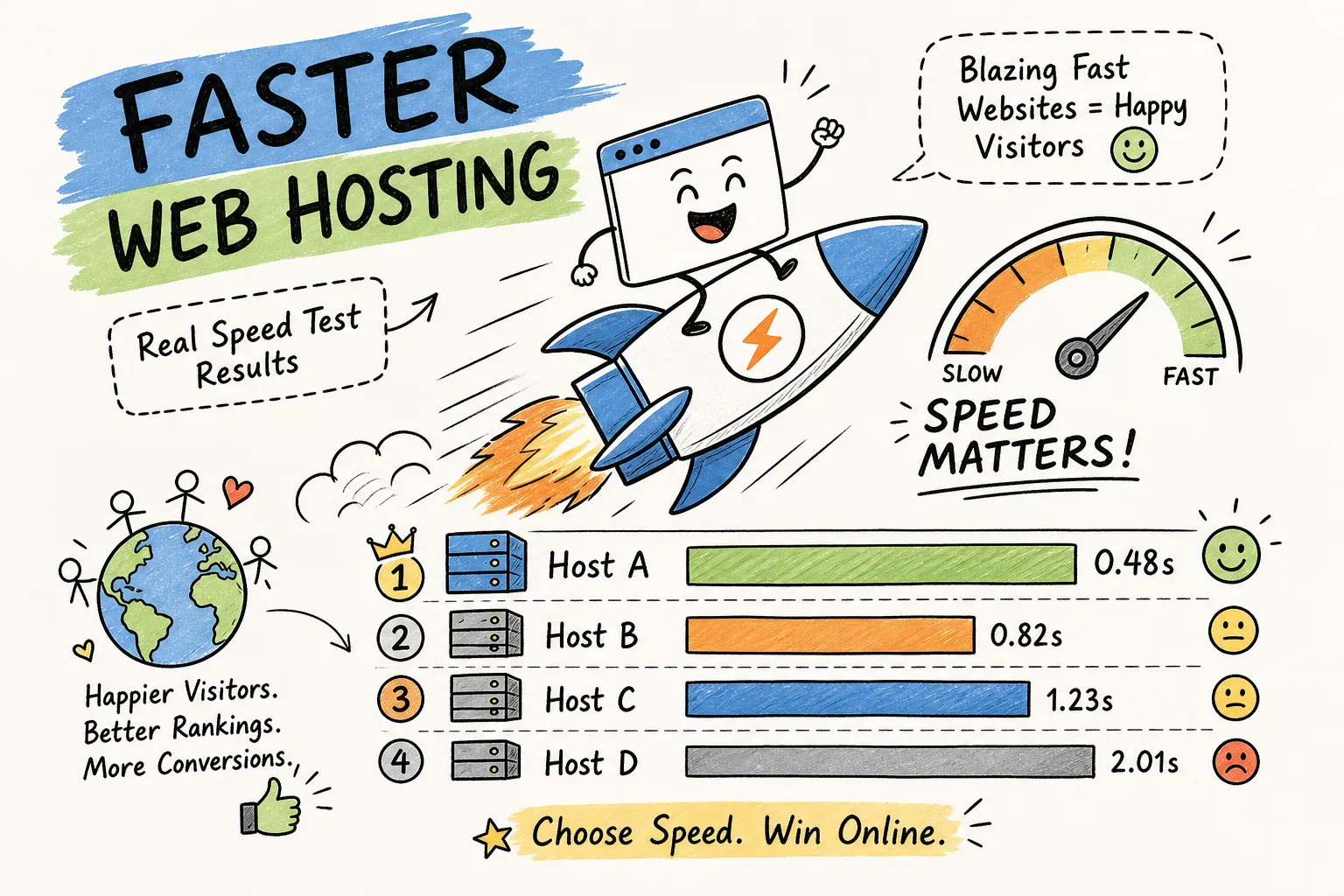
The standard 99.9% uptime SLA sounds impressive until you do the math. That guarantee permits roughly 8.7 hours of downtime per year, which is a long time for a business site to go dark. Some managed providers like Nexcess push that promise to 99.99%, and third-party UptimeRobot monitoring of Hostinger in 2026 clocked an average 12-month uptime of 99.98%. The guarantee number matters less than the track record; SLA credits rarely compensate for actual lost revenue, so choosing a host with documented performance is more valuable than reading the fine print on their refund policy.
US data center locations and why they affect your customers
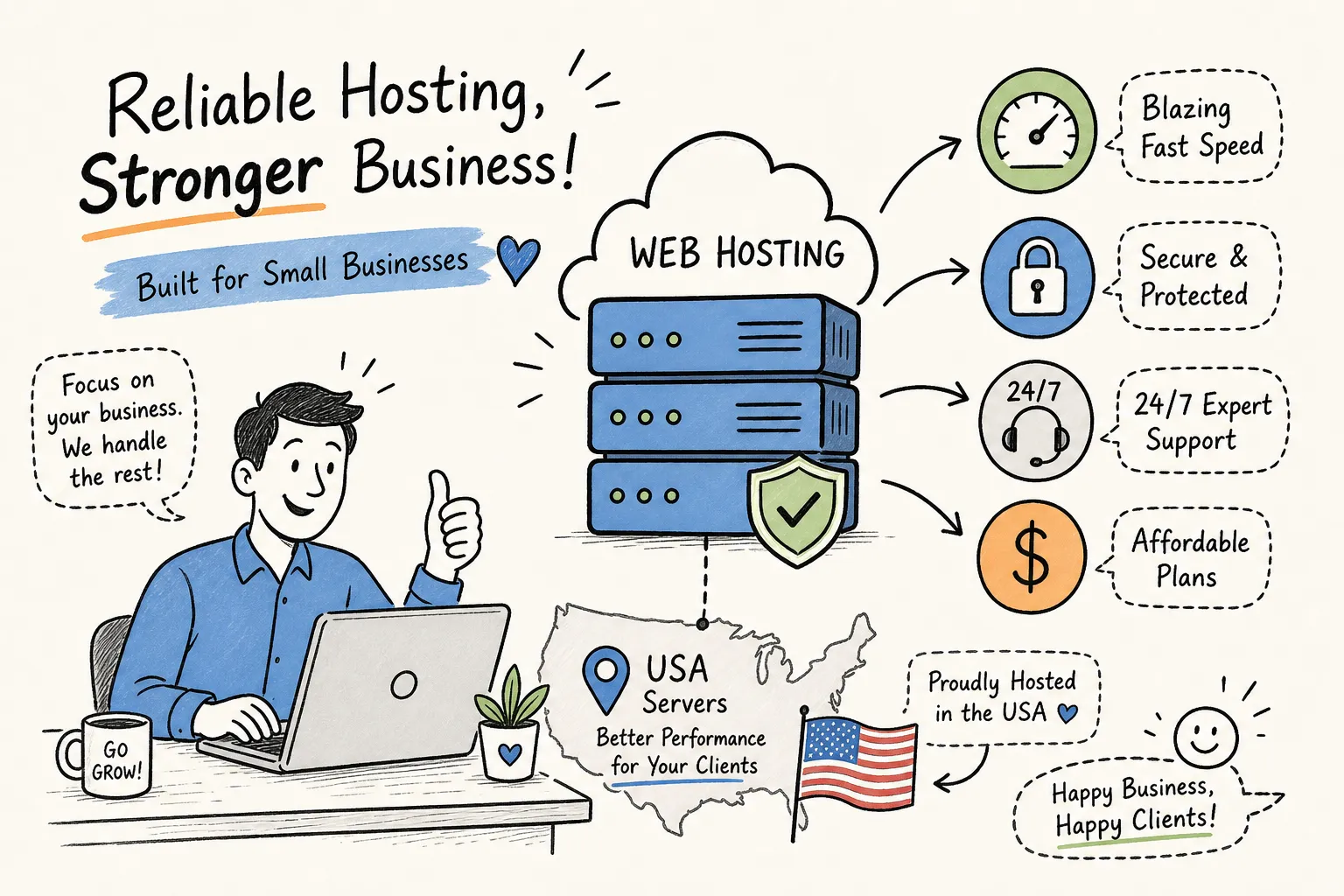
A hosting server physically located closer to your US audience delivers lower latency and faster page loads. Providers like SiteGround, Hostinger, and Bluehost all offer US-based server options. To protect yourself, confirm physical server locations at the plan level before signing up, some budget alternatives may route domestic traffic through distant data centers, and the marketing page won’t always make this clear. For local small business sites targeting US customers, server location is also an indirect SEO factor: Google’s documentation on Core Web Vitals and page experience signals links page speed to search rankings, so cutting latency has real visibility benefits. Always confirm US data center availability at the plan level before signing up, not just on the marketing page. For a quick reference on US data center distribution, see an overview of datacenters in the USA.
Support channels and response times by plan tier
Support quality varies significantly depending on which plan tier you purchase. Premium and business-tier plans typically include phone access and 24/7 live chat, while entry-level shared plans are often limited to chat or ticket submission only. Rackspace offers round-the-clock phone, chat, and ticket support, but that level of access costs more. For a small business without in-house IT staff, paying more for real-time support can be genuinely worthwhile when downtime risks revenue loss, waiting hours for a ticket response while your site is offline is a problem that better support tiers solve.
Best hosting for small business USA: top picks compared
The providers below represent the strongest options available to US small businesses in 2026, evaluated on price transparency, verified uptime, US data center availability, and support quality. Use the snapshot table to orient yourself, then read the individual sections for context.
| Provider | Starting Price | Renewal Rate (example plan) | Uptime (2026) | US Data Centers | Support Tier |
|---|---|---|---|---|---|
| Hostinger | ~$2.69/mo | Premium: $10.99/mo; Business: $16.99/mo | 99.98% | Yes | 24/7 live chat + ticket |
| SiteGround | ~$2.99/mo | Renews at full rate; check plan page | 99.99% (guaranteed) | Yes | 24/7 chat + ticket + phone (GrowBig+) |
| Bluehost | ~$1.99/mo | Climbs significantly on renewal | 99.9% (guaranteed) | Yes | 24/7 chat + ticket |
| Nexcess | ~$2.50/mo | $10/mo (Start Dock) | 99.99% (guaranteed) | Yes | 24/7 chat + ticket |
| AccuWeb | <$10/mo | Check plan page | 99.9% (guaranteed) | Yes | 24/7 chat + ticket |
Hostinger: best overall value for lean budgets
Hostinger consistently appears at or near the top of 2026 value-focused roundups, with plans starting around $2.69 per month. Be aware that renewal rates are meaningfully higher: the Premium plan renews at $10.99 per month and the Business plan at $16.99 per month, so factor those figures into your true cost calculation. The platform runs on LiteSpeed technology, includes a proprietary hPanel that most 2026 reviews describe as simpler to navigate than cPanel, and handles WordPress and WooCommerce installs without friction. Loader.io stress testing conducted in 2026 recorded Hostinger’s average response time at 47 ms under 1,000 virtual clients, one of the faster results in the shared hosting category. For a business that wants strong performance without a premium price tag, Hostinger is a clear first recommendation. For a focused examination of Hostinger’s fit for US small businesses, see Is Hostinger Good for US Small Business Websites in 2026?
SiteGround and Bluehost: strong picks for WordPress-first businesses
SiteGround earns its reputation with WooCommerce pre-installation, free SSL, automatic daily backups, and a 1.3-second average page load time in benchmark testing. Review Signal’s 2026 comparative testing placed SiteGround’s TTFB at around 40 ms, the fastest among the major WordPress-focused hosts evaluated. Bluehost is the right call for beginners who want the simplest possible onboarding experience, with introductory pricing as low as $1.99 per month and a setup process that requires almost no technical knowledge. The important caveat with Bluehost is renewal pricing: the rate jumps significantly after the introductory term, so factor that into your true cost calculation before committing. For a side-by-side comparison, see a detailed SiteGround vs Bluehost comparison, and for a deeper dive into Bluehost specifically read our Bluehost Review, Hosting Offer Today.
Nexcess and AccuWeb: when you need managed hosting or tighter security
Nexcess is the standout pick for businesses that want fully managed hosting without handling server administration themselves. The Start Dock plan begins at $2.50 per month on introduction, renewing at $10 per month, and includes free SSL, daily backups, developer tools, and a 99.99% uptime guarantee backed by a documented credit policy. AccuWeb is the underdog worth knowing about: CNET’s 2026 roundups highlight it as a tight-budget option that bundles SSL, firewall protection, DDoS defense, and daily backups for under $10 per month. Both options suit businesses that have outgrown basic shared hosting and want more than a bare-bones plan delivers.
How to choose the best hosting for small business USA: shared vs. VPS vs. managed
Shared hosting: where most small businesses start
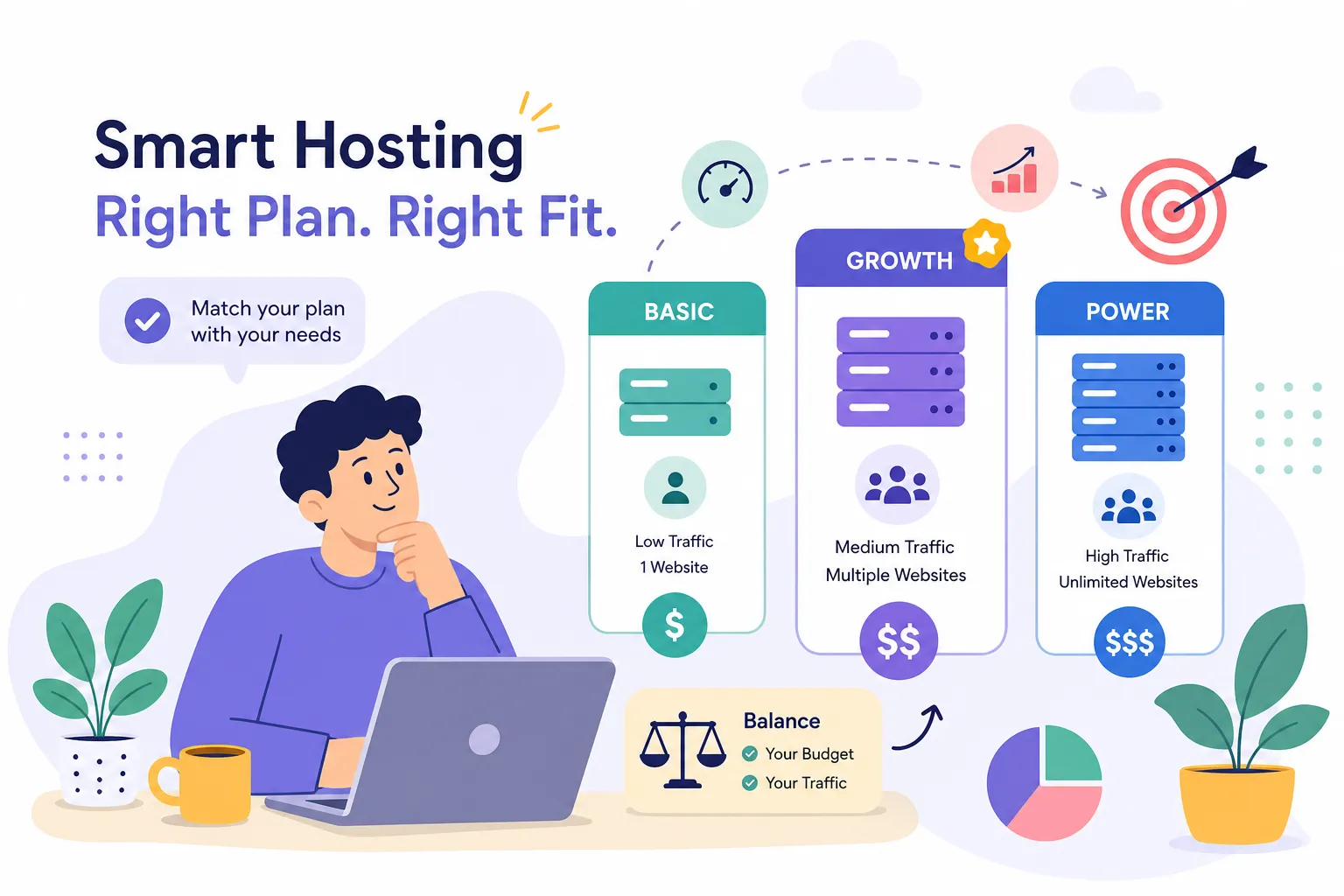
Shared hosting is the cheapest entry point and works well for new sites with light traffic. Resources are shared with other sites on the same server, which keeps costs down but creates performance problems as traffic grows. Load spikes from neighboring sites can slow yours down, and you have limited control over server configuration. For a brand-new business site or a simple brochure site with predictable low traffic, shared hosting is a reasonable starting point, just don’t expect it to scale with you.
VPS hosting: the practical middle ground for growing traffic
VPS hosting is the most cost-effective upgrade path for businesses growing into the 10,000 to 50,000 monthly visits range. You get dedicated resources allocated to your account, which means performance is more predictable and traffic spikes from other users don’t affect your site. Pricing typically falls in the $20 to $50 per month range, a meaningful step up from shared hosting, but one most growing small businesses can absorb. If your traffic is reasonably predictable and you’re comfortable with basic server management, VPS is usually the right next step after outgrowing shared hosting.
Managed hosting: paying for peace of mind
Managed hosting shifts server administration, security patching, and scaling decisions to the hosting provider. Cloud-managed plans typically start around $50 per month and go up from there, which is a meaningful cost increase over shared or VPS options. The tradeoff is that you spend almost no time on server management, and the provider handles issues before they become visible problems. For a WooCommerce store processing real transactions, a mission-critical business site, or any owner who simply doesn’t want to think about server settings, managed hosting’s higher price is justified by the reduction in technical overhead and the stronger uptime commitments it usually comes with.
WordPress and e-commerce features that small stores need
The baseline features every e-commerce host should include
Before signing up for any hosting plan intended to run a store, verify these four things: one-click WordPress and WooCommerce installation, a free SSL certificate (required for any site accepting payments), automatic daily backups with one-click restore, and uptime guarantees of 99.9% or higher. Note that 99.9% is the common industry SLA, anything above that is a premium feature worth paying for if your store handles consistent transaction volume. GoDaddy, SiteGround, and Hostinger all meet most of these criteria based on 2026 provider data. Missing any one of these features at the plan level you’re considering is a red flag worth taking seriously before committing. For guidance on how one-click installers typically work, see this example of using 1-click WordPress installation.
PCI compliance basics for US online stores
PCI DSS compliance is not solely your hosting provider’s responsibility. It also depends on how payment data is handled by your checkout processor. Most quality US hosts provide PCI-compliant server environments, but the safest approach for a small store is to use a dedicated payment gateway, Stripe, Square, or PayPal, that keeps card data entirely off your server. This setup dramatically reduces your compliance burden because the payment processor handles sensitive card data, not your hosting account. Always verify PCI compliance at the specific plan level rather than assuming it applies across all tiers.
How to cut your hosting bill without cutting corners
The introductory pricing trap and how to avoid it
Every major hosting provider leads with promotional introductory rates that look very different from what you’ll pay when you renew. Bluehost’s introductory rate starts as low as $1.99 per month, but renewal pricing climbs significantly. IONOS advertises entry plans near $1.00 per month with higher rates on renewal. Hostinger’s Business plan renews at $16.99 per month and the Premium tier at $10.99 per month. The real cost of any hosting plan is the renewal rate multiplied by the number of years you intend to stay. Calculate that number before you commit to a plan, not after you receive the renewal invoice.
Where to find verified hosting coupons for US buyers
Hosting Offer Today tracks current-year pricing, tests deals before publishing them, and maintains verified discount coupons across providers including Hostinger, Bluehost, SiteGround, and Nexcess. This matters more than it might seem, because some discounts are region-specific. A coupon verified for US customers is not always the same as a globally advertised offer, and using an unverified or expired code at checkout means you might not be getting the actual current promotional rate. Checking Hosting Offer Today before finalizing any plan purchase takes two minutes and regularly identifies savings of 40 to 70 percent on year-one pricing. That’s not a small difference on a plan you’ll use for three or more years. For a consolidated buyer’s guide, see our roundup 7 Best Web Hosting for Small Business 2026 (Tested & Ranked).
Migration, support, and what happens after sign-up
Free vs. paid migration: what to expect from each host
Most mainstream providers, including SiteGround, Hostinger, and GoDaddy, offer free guided migration tools or assisted migration for new accounts. The process typically involves transferring files and databases, then updating DNS records to point to the new host. DNS propagation timing is where most small business owners run into trouble, and a quality host’s support team should walk you through it in real time. Complex migrations requiring hands-on, end-to-end service from the provider or a third party typically cost between $150 and $400. Know upfront which tier your migration falls into so you can budget accordingly.
Support tiers, SLA remedies, and realistic expectations
Business plan customers generally get phone access plus live chat, while entry-level shared plans are limited to chat or ticket support only. SLA uptime credits are standard across most providers, but they compensate with account credits, not cash, and they don’t cover actual revenue losses from downtime. The practical takeaway is straightforward: match your support tier to your technical confidence level. If you’re non-technical and running a business that depends on the site being live, the extra monthly cost of a managed plan with phone support is a better investment than the cheapest shared plan that leaves you waiting on a ticket queue during an outage.
Frequently asked questions: best hosting for small business USA
- Is shared hosting enough for a local store?
- For a new local store with low traffic, under a few hundred visitors per day, shared hosting is sufficient as a starting point. Once traffic grows consistently or you begin processing transactions, upgrading to VPS or managed hosting is the practical next step.
- How do I estimate the real cost of a hosting plan over three years?
- Take the introductory price for year one, then multiply the renewal monthly rate by 24 (months two and three). Add those together for your true three-year cost. For example, Hostinger’s Business plan at $2.69/mo introductory and $16.99/mo renewal costs roughly $2.69×12 + $16.99×24 = roughly $440 over three years, not the $97 the headline price implies.
- Do I need a US data center specifically?
- If the majority of your customers are in the United States, a US-located server reduces latency and improves page load times for those visitors. Given Google’s page experience signals, this can also have a secondary effect on search rankings. Confirm the data center location at the plan level, not just from the provider’s general marketing.
- What’s the difference between a 99.9% and a 99.99% uptime guarantee?
- The difference is roughly 8.7 hours versus 52 minutes of permitted downtime per year. For a business that processes transactions around the clock, that gap is meaningful. Providers like Nexcess and SiteGround offer 99.99% guarantees on select plans; most shared hosting providers guarantee only 99.9%.
The right hosting choice for your business right now
The decision framework is simpler than the number of options makes it seem. Start with your traffic expectations and budget, then match to the appropriate hosting type. Shared hosting works for early-stage sites with light traffic. VPS fits steady growth in the 10,000 to 50,000 monthly visits range. Managed hosting is the right call for mission-critical sites, active WooCommerce stores, or any owner who wants to keep server management entirely off their plate.
For specific use cases: Hostinger delivers the clearest best overall value, SiteGround leads on WordPress and WooCommerce performance, Nexcess is the right managed option for businesses ready to invest in fully handled hosting, and AccuWeb deserves serious consideration for security-conscious businesses on tighter budgets. Bluehost works well for absolute beginners, just watch the renewal rate closely.
When it comes to the best hosting for small business USA buyers specifically, the most expensive mistake is calculating cost from the introductory price alone. Run the renewal-rate math first, then visit Hosting Offer Today to confirm you’re accessing the current verified discount for US buyers. Saving 40 to 70 percent on a year-one plan is routine when you check before signing up rather than after. That’s money better spent growing your business than padding a hosting provider’s margin.