Most people spend more time picking a Netflix show than choosing a web hosting plan. They scan a few provider pages, click the cheapest option, and move on. Ten months later, they’re dealing with slow load times, a support queue that goes nowhere, and a renewal invoice that’s three times what they expected. The problem isn’t the hosting industry; it’s that no one explained the basics before they bought.
This guide gives you that foundation. You’ll learn the four main web hosting types, what plans actually cost in 2026 once promotional pricing expires, and the five features worth checking before you sign up. Before you buy anything, bookmark Hosting Offer Today, it tracks live pricing and verified promo codes from the biggest hosting providers, which means you’ll see real rates, not just the numbers plastered on a landing page.
By the end, you’ll know exactly which hosting type fits your situation, what a fair price looks like, and how to avoid the most common first-time buyer mistakes.
What web hosting is and why it affects your site from day one
Every website you’ve ever visited lives on a physical server somewhere. When someone types your URL, that server retrieves your site’s files and delivers them to the visitor’s browser. A hosting provider rents you space on one of those servers, along with the infrastructure that keeps it online. That’s the whole concept, stripped of jargon.
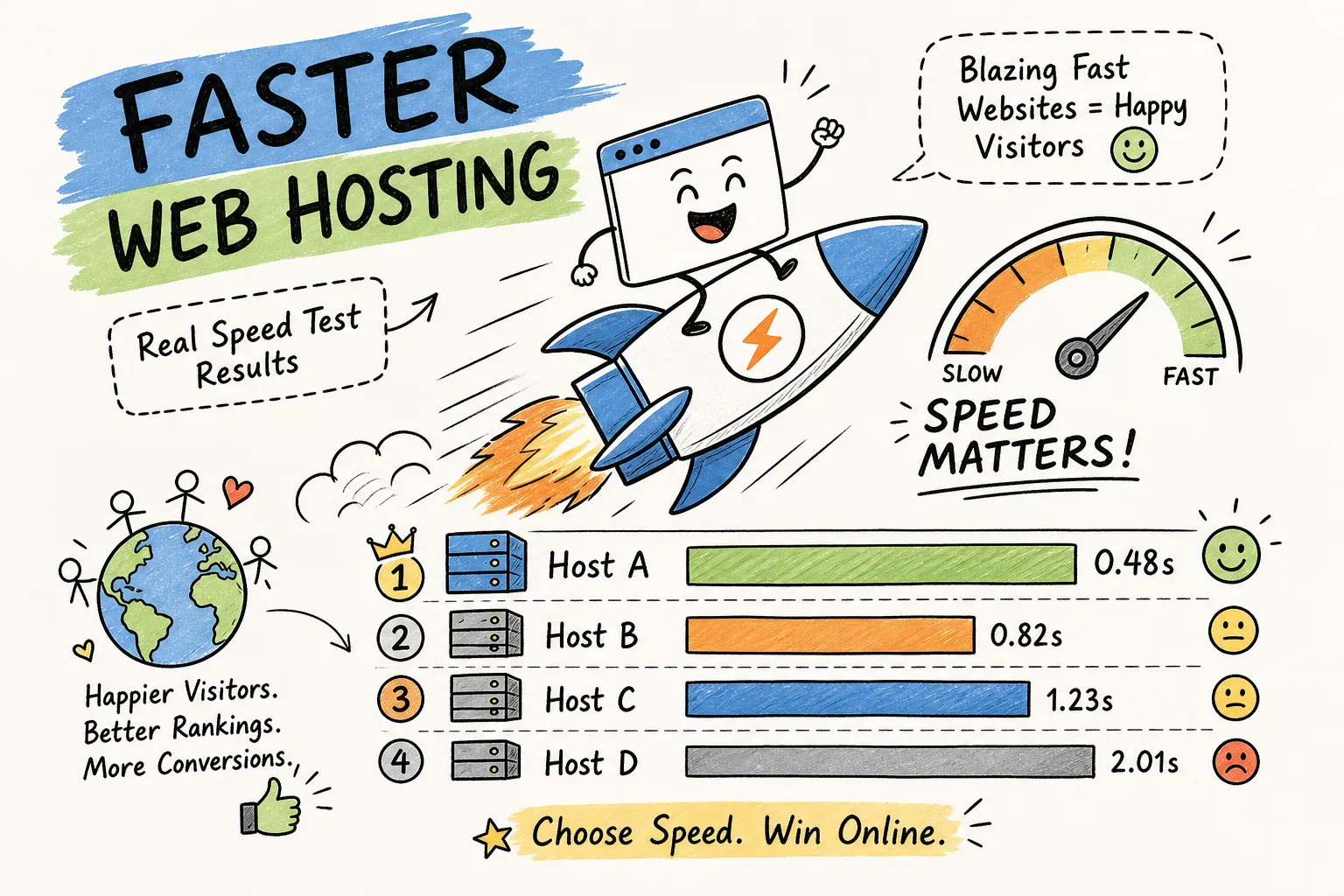
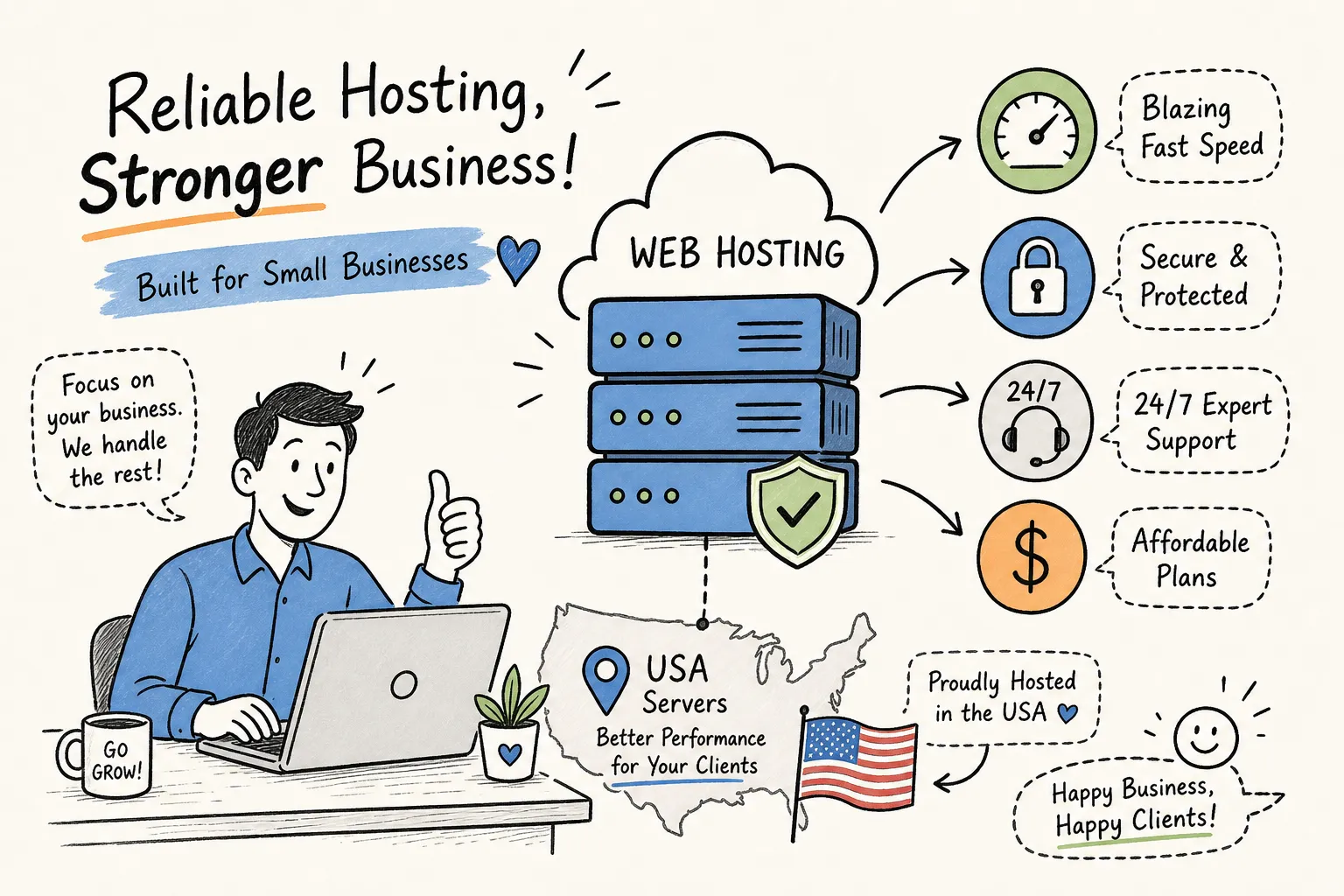
The host you choose controls three things that directly affect your site’s success: speed, reliability, and support. A slow server increases your page load time, which hurts both Google rankings and visitor retention. A host with poor uptime takes your site offline during the exact moments you can’t afford it. And if something breaks at 11 PM on a Saturday, the quality of 24/7 support becomes very real, very fast.
“Any cheap plan will do” is genuinely bad advice for anyone who wants their site to perform. The price difference between a weak shared plan and a solid entry-level host is often under $5/month. The performance and reliability gap between those two options is substantial. Understanding the types of website hosting available puts you in a position to make that call deliberately, not on a whim.
The four types of web hosting: picking the right fit before you buy
Shared hosting: the entry point most beginners start with
Shared hosting puts multiple websites on the same server, splitting the available resources among all of them. It’s the cheapest category of web hosting available, running $2, $10/month in 2026, and it’s the right starting point for personal blogs, portfolio sites, and early-stage small business pages with modest traffic. If you’re looking for cheap web hosting without sacrificing essential features, shared plans are the natural first stop. Setup is simple, no server management is required, and the price is hard to argue with for a site that’s just getting started.
The honest downside: your site shares CPU, memory, and bandwidth with other sites on the same machine. If a neighboring site gets a traffic spike, your performance can take a hit. For low-traffic sites, this rarely matters. For a site generating revenue or expecting growth, it’s worth knowing upfront.
VPS and cloud hosting: when you’ve outgrown shared
VPS (Virtual Private Server) hosting gives you an isolated slice of a physical server with dedicated resources and root access. Performance is more predictable than shared hosting, control is significantly greater, and pricing runs $10, $100/month depending on specs. It’s the right step up once your traffic is steady and your site can’t afford the unpredictability of a shared environment.
Cloud hosting distributes your workload across multiple servers rather than relying on a single machine. That setup makes it highly resilient to traffic spikes and hardware failures, which is why it’s the preferred architecture for e-commerce, growing businesses, and anything where downtime is genuinely costly. Pricing ranges from $10, $200/month based on usage and provider. Neither VPS nor cloud is overkill once revenue is attached to your site’s availability.
Managed WordPress hosting: the hands-off option
Managed WordPress hosting is exactly what it sounds like: the host handles WordPress updates, security patching, caching, and backups on your behalf. Plans range from $3/month on entry-level tiers to $200/month for enterprise-scale managed environments. For non-technical users who want WordPress performance without the maintenance overhead, it’s the most practical choice. You trade some flexibility for a significantly simpler operational experience.
What web hosting actually costs in 2026 (the number they don’t advertise)
Promotional pricing vs. renewal reality
The advertised price on a hosting provider’s homepage is almost never what you’ll pay after the first billing term. Shared hosting introductory rates can start as low as $1.58, $6/month, which looks excellent. The renewal rate on those same plans commonly lands at $4.48, $19.99/month. Industry pricing analyses confirm that renewal rates can more than double after the initial term ends, Hostinger’s own plan data, for instance, shows renewal increases averaging roughly 275% over promotional pricing across their shared tiers.
This single issue causes more buyer regret than any other factor in hosting. A 24-month plan at $2.95/month looks like $70.80 total. At renewal, the same plan might cost $16.99/month, turning the next 24 months into a $407.76 bill. Always check the renewal rate before committing to any multi-year term. It’s listed in the fine print on most provider pages, you just have to know to look for it.
Web hosting plans and pricing: a realistic 2026 breakdown by type
Here’s what you should budget for each category at today’s rates:
- Shared hosting: $2, $10/month (intro); $4.48, $19.99/month (renewal)
- VPS hosting: $10, $100/month depending on CPU, RAM, and storage
- Cloud hosting: $10, $200/month based on usage and provider
- Managed WordPress: $3, $200/month depending on scale and features
Longer initial billing terms (24, 36 months) lock in the promotional rate for the full duration. That’s genuinely useful if you’ve confirmed the plan fits your needs. The smarter move is to calculate the total cost over a realistic period rather than focusing only on the monthly rate in the headline.
Five features that separate a solid host from a frustrating one
Uptime guarantees and what the benchmarks actually show
Uptime is the baseline metric that everything else depends on. Look for a 99.9% guarantee or higher, anything below that translates to hours of potential downtime per month. In 2026 independent benchmark testing, providers including Hostinger, IONOS, SiteGround, and Bluehost consistently hit 99.99%, 100% actual uptime in real-world monitoring. InMotion Hosting’s SLA posts a formal 99.99% commitment with independent monitoring confirming approximately 99.995% actual uptime. These numbers are verifiable, not just marketing claims, which means you can and should check independent test data before you buy.
SSL, backups, and storage: what should be included by default
A free SSL certificate (HTTPS) is a baseline expectation in 2026, not an upgrade. Every major US shared hosting provider (Bluehost, Hostinger, SiteGround, IONOS, DreamHost) bundles a free Domain Validation SSL certificate with entry-level plans, typically powered by Let’s Encrypt. If a plan requires you to pay extra for basic SSL, that’s a red flag. Automated daily backups are equally non-negotiable: they’re your recovery option when something breaks, and things will break eventually.
On storage and bandwidth, entry-level shared plans typically offer 20 GB SSD with either a 100 GB bandwidth cap or “unlimited” bandwidth on higher tiers. “Unlimited” plans still enforce limits through CPU, RAM, and process caps buried in the terms. For a new site with modest traffic, these limits rarely become a real constraint, but check them before assuming you have room to scale.
Support quality: response time and availability
Live chat and 24/7 support coverage aren’t luxuries for beginners; they’re essential. When your site goes down at an inconvenient hour, a knowledge base article doesn’t solve the problem. Before committing to a host, test their support with a pre-sales question. Response time, accuracy, and tone tell you more than any marketing claim. Prioritize providers whose SLAs include specific response time commitments, not just a vague “we’re here to help” statement.
Where to find real web hosting discounts without the guesswork
Hosting providers run rotating promotions throughout the year. The rate listed on a provider’s pricing page on any given day is rarely the best available rate. Verified coupon codes and deal pages can knock 50, 90% off the initial term, which on a 24-month plan represents a meaningful dollar difference. The catch is that not every “deal” site keeps its links and prices current. Outdated coupons, expired promotions, and stale screenshots are common problems when you’re researching across a dozen different sources.
Hosting Offer Today solves that problem directly. The site aggregates verified promo codes and side-by-side pricing breakdowns for major providers including Hostinger, Bluehost, Kinsta, WP Engine, Namecheap, and GoDaddy. Reviews are backed by real speed test data, and pricing is updated for 2026 rates, including renewal pricing, not just the intro rate. Whether you’re comparing shared hosting options as a beginner or evaluating managed WordPress providers for a growing site, the deals section lets you compare real promotional rates, confirm what you’ll pay at renewal, and find plans matched to your specific use case without bouncing between a dozen provider pages.
How to buy your first plan or move your existing site with minimal downtime
Buying a new plan: the three decisions that matter most
Before you click “buy,” confirm three things: the hosting type fits your current traffic level and technical comfort, you know the renewal rate (not just the intro price), and the plan includes SSL, automated backups, and 24/7 support as standard. Once those boxes are checked, the signup process on any major platform is straightforward. Pick the billing term that makes sense given the renewal math, and don’t let upsells during checkout push you into features you don’t need yet.
Migrating from an existing host without losing hours to downtime
Switching hosts is manageable when you follow the right sequence. Back up your files and database first, then build and test the new environment on a staging setup before you touch any DNS settings. Switch DNS only after the new site is confirmed working on the new host.
DNS propagation is the main source of post-switch delay: fast cases resolve in 4, 8 hours, but plan for up to 24, 48 hours for full global propagation. To speed that up, lower your TTL settings a day or two before the switch. Keep the old host active for at least a week after launch as a rollback option. For a well-prepared migration where the new site is fully tested before the DNS change, practical downtime is near-zero to a few minutes, not the full-day ordeal most beginners expect.
The right web hosting plan makes everything easier from here
Web hosting becomes straightforward once you understand the framework. Shared hosting covers most beginners at $2, $10/month. VPS and cloud handle growth and traffic variability. Managed WordPress removes maintenance overhead for non-technical users. The four types exist because different sites have different needs, knowing which category fits yours prevents a lot of expensive course-correcting later.
Before you commit to any plan, run through the checklist: your hosting type matches your current needs, renewal pricing is confirmed, and the plan includes SSL, backups, and 24/7 support as standard features. Then use a verified deals resource to find the best available rate rather than paying full price on the provider’s homepage.
Head to Hosting Offer Today to compare current 2026 pricing, check verified promo codes, and shortlist the right provider for your situation. The best time to choose the right host is before you launch, not after something breaks. Start with the right information, and the decision gets a lot simpler.