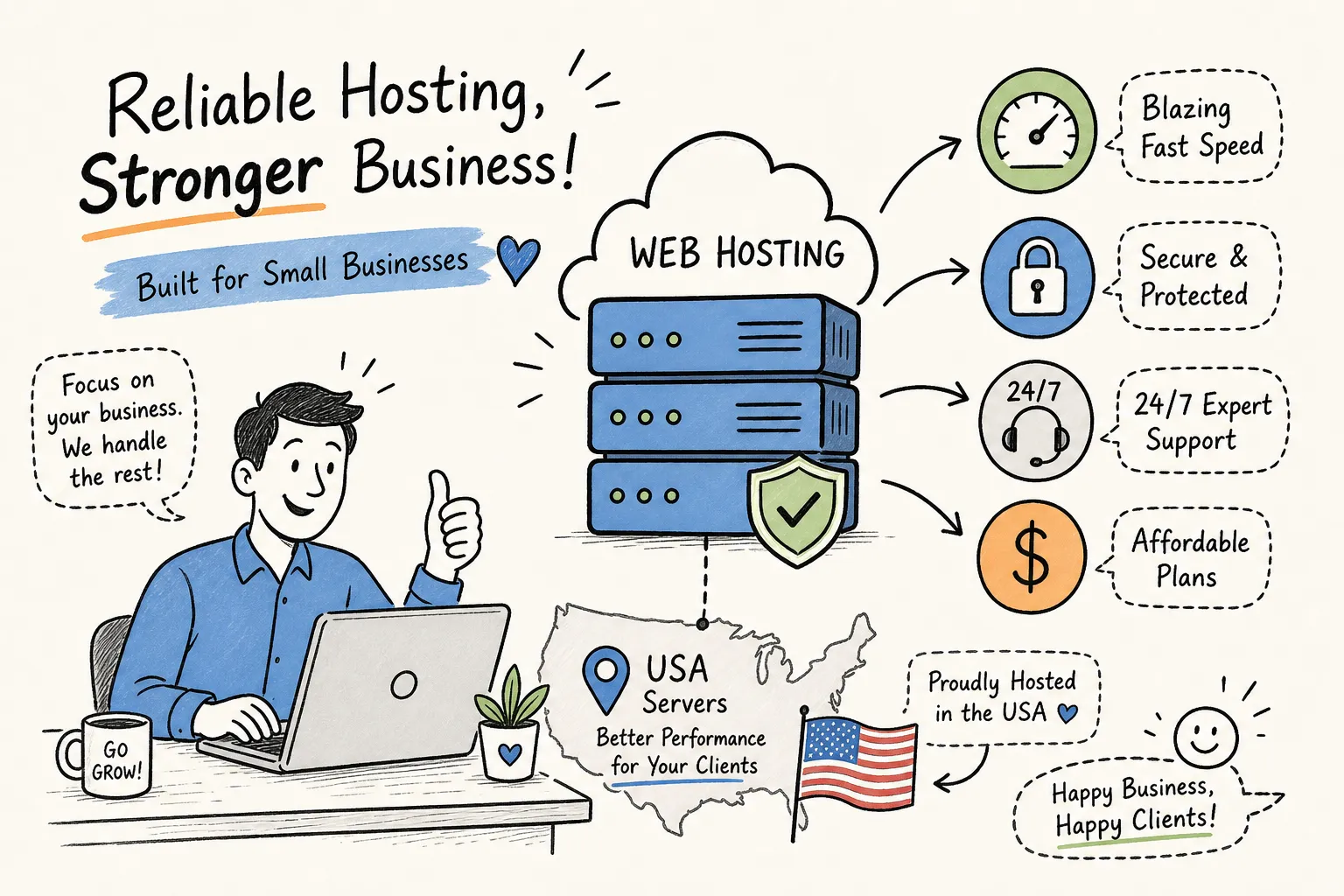
Many beginner sites, hobby projects, and small business pages launch on shared hosting. It’s the default entry point: cheap, fast to set up, and simple enough that you don’t need to know what a server actually is to get a site live. The problem is that many buyers either overbuy a plan they don’t need or underbuy one that will cap their growth within six months, and the typical buying guide doesn’t help because it’s written to sell, not inform.
The core tension with shared web hosting is real: you’re getting the lowest price in hosting because you’re sharing a physical server with dozens or hundreds of other accounts. That trade-off has genuine consequences for performance and security that don’t show up in the marketing copy. At Hosting Offer Today, tracking shared hosting plans and running the numbers on provider pricing year-round is exactly what we do, so this guide cuts through the noise and gives you the straight facts on what you’re actually paying for.
Here’s what this article covers: how these plans actually work at the server level, where they struggle on performance and security, which site types they fit well, and how to buy at the lowest possible price in 2026.
What shared hosting actually is and how the server model works
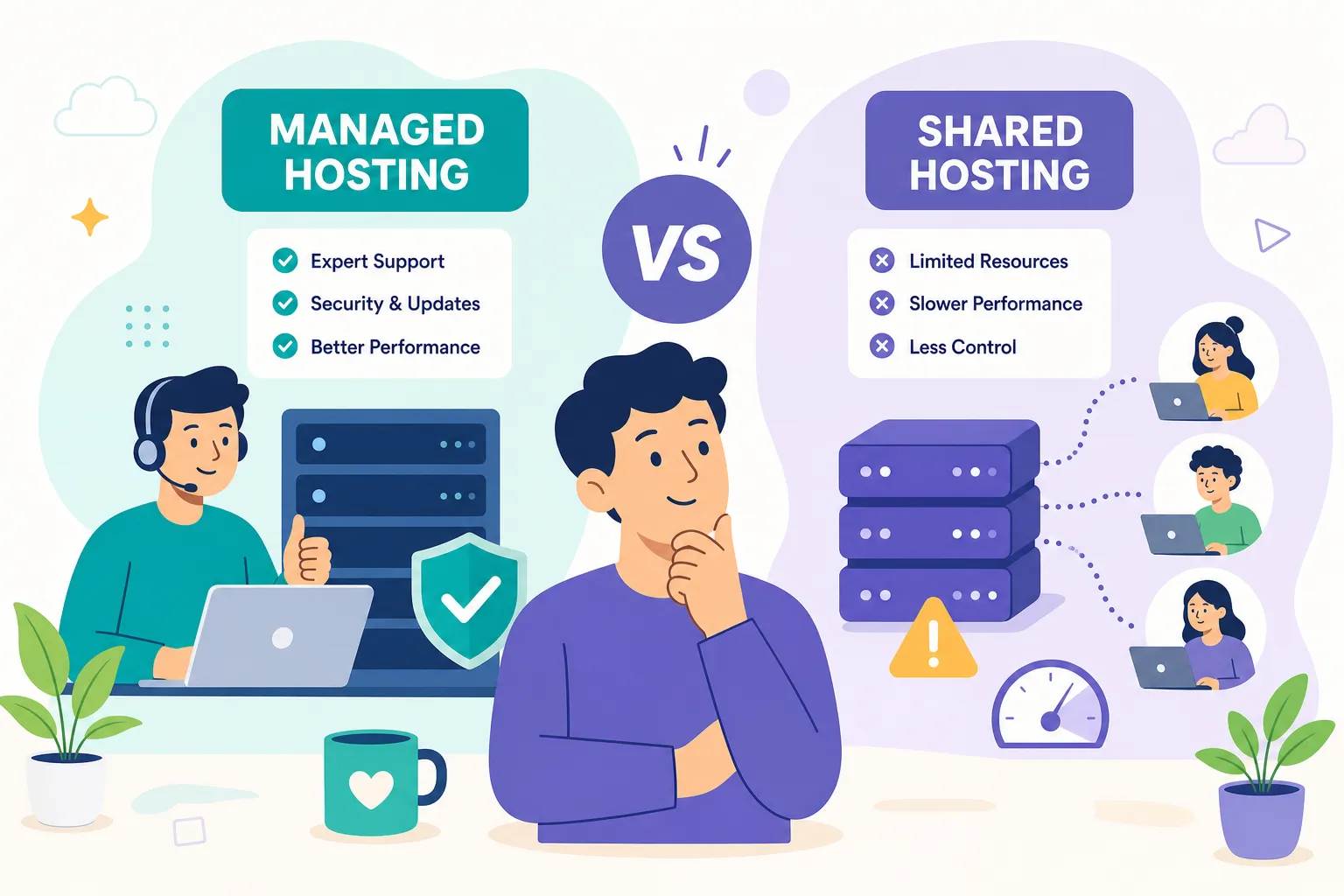
Think of a shared server like an apartment building. One physical building, many units, all sharing the same plumbing, electrical grid, and lobby. Your apartment is yours, but the infrastructure underneath is pooled with everyone else’s. Entry-level hosting works the same way: one physical server, many accounts, all drawing from the same pool of CPU, RAM, storage, and bandwidth. You’re not getting a partitioned slice of the server the way you would with a VPS. Resources are shared, not guaranteed.
A standard plan in 2026 typically bundles SSD disk storage, a set number of MySQL databases, email accounts, a free SSL certificate via Let’s Encrypt, and a control panel like cPanel or hPanel. Providers like Hostinger and Namecheap now include one-click WordPress installs and a free domain for the first year as standard inclusions rather than premium add-ons. One thing to watch: any plan advertising “unlimited” bandwidth or storage always has fair-use clauses buried in the terms of service. Unlimited means unmetered until you’re using enough to inconvenience other users on the server.
The clearest line between shared hosting and VPS comes down to resource isolation. On a VPS, you get a guaranteed CPU and RAM allocation that no other account can touch. On a shared plan, you get no such guarantee. That distinction drives everything in the next section. For a deeper comparison of cloud and shared models, see our Cloud Hosting vs Shared Hosting 2026 guide.
The performance trade-offs every buyer needs to understand
CPU, memory, and inode limits
Shared hosting providers throttle per-account CPU usage and memory, even when they don’t publish specific numbers in their plan specs. Entry processes and I/O throughput are also capped at the server level. One limit that catches WordPress users off guard is the inode cap: a hard ceiling on the total number of files and folders your account can hold. Hostinger sets inode limits at 200,000 on its Single plan, 400,000 on Premium, and 600,000 on Business. SiteGround’s GoGeek plan reportedly caps at 600,000 inodes based on third-party reports. A WordPress install with aggressive caching, multiple plugins, and a growing media library will eat through these limits faster than most beginners expect. Hostinger documents its inode limits and what happens when the ceiling is reached in its support article, which is worth reviewing before you pick a plan: Hostinger’s inode limit documentation.
TTFB, storage speed, and uptime
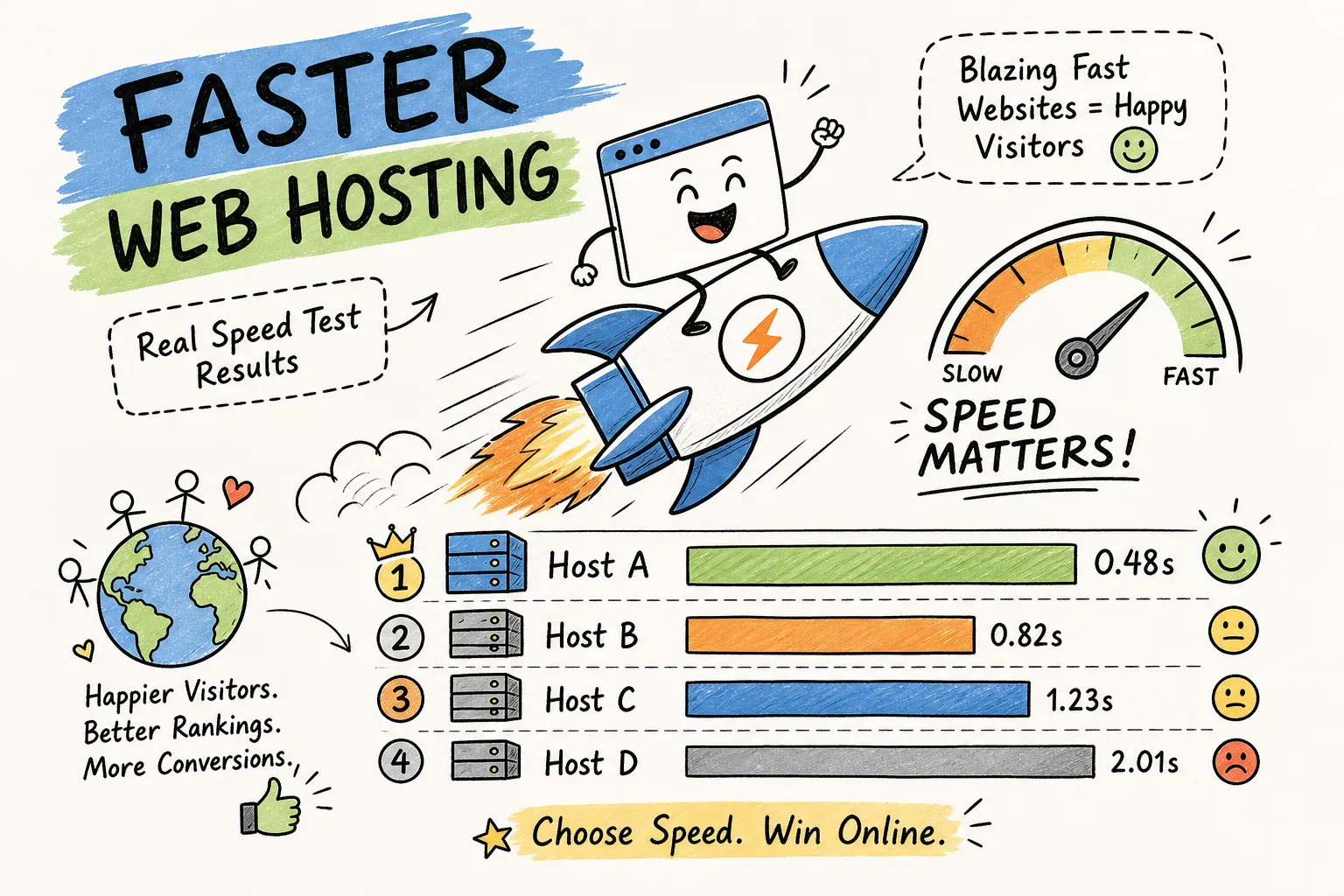
SSD storage is now the baseline across mainstream shared plans, which is a meaningful improvement over spinning disk. Independent benchmarks put Hostinger’s TTFB in the 165ms to 345ms range depending on plan and test setup, with a general average around 250 to 300ms. Namecheap’s shared plans show a TTFB closer to 1.6 seconds in some independent tests, though performance improves on plans running LiteSpeed rather than Apache. NVMe storage, meaningfully faster than standard SSD, remains largely a VPS and managed WordPress feature in 2026. Uptime guarantees of 99.9% are standard, with real-world monitoring figures typically landing around 99.95% for reputable providers.
The noisy neighbor effect
The noisy neighbor effect is the performance risk that’s hardest to plan around. When another account on your server spikes CPU or RAM, your site slows down too. This is most noticeable during traffic surges or when a neighboring site runs a resource-heavy plugin or backup process. Reputable providers use throttling tools and account isolation to limit the blast radius, but on entry-tier plans, some bleed-through is a real risk rather than a theoretical one.
Security on shared hosting: what’s covered and what isn’t
Standard security features
Reputable providers include four security features as standard: free SSL certificates, account isolation, automated malware scanning, and basic DDoS protection. Account isolation is the most technically significant of these. Technologies like CageFS from CloudLinux place each user inside a virtualized filesystem cage so that a compromised account can only see its own files, not other users’ data or server configuration files like /etc/passwd. CageFS also whitelists the server binaries each account can access, which limits how far an attacker can move if they do gain access. InMotion Hosting’s shared hosting security practices are a concrete example of a provider that explicitly incorporates these protections, including a Web Application Firewall to block SQL injection and cross-site scripting, into its standard shared plans.
Where shared security falls short
Shared hosting is not appropriate for sites storing sensitive user data at scale, processing payments beyond a basic WooCommerce checkout, or running unpatched legacy software. Account isolation tools help, but they’re not a substitute for the control you get on a dedicated environment. Automatic backup policies also vary significantly: some providers include daily backups at no extra cost, while others treat backups as a paid add-on. Verify the backup policy before you sign up, not after you need it.
Who should use shared hosting in 2026 (and who should skip it)
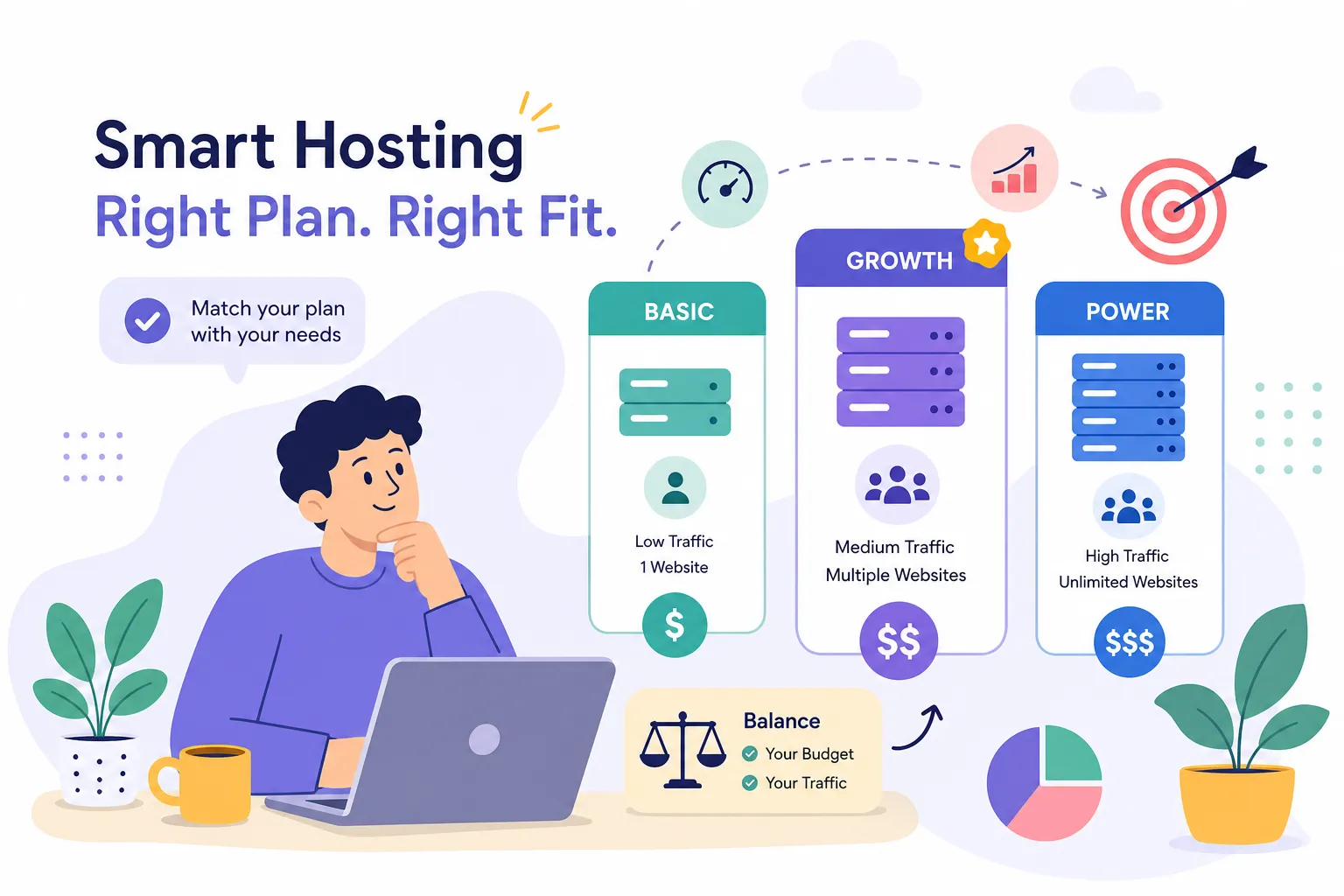
Personal blogs, portfolio sites, informational small business websites, and small WooCommerce stores with under a few hundred products and modest monthly traffic are all well-matched to a shared server environment. The setup is simple, the cost is low, and the included features cover everything a beginner or small operator needs to get a site running. Hostinger, Bluehost, and IONOS are consistently cited for personal blogs; Hostinger and Bluehost for small business sites; and Hostinger specifically for small eCommerce builds. For more on Hostinger’s performance and features, check our Hostinger Review 2026 for Beginners.
The sites that have already outgrown these plans are just as easy to identify. High-traffic sites, fast-growing eCommerce stores, membership platforms with concurrent logins, and any project where consistent TTFB and uptime SLAs are non-negotiable should be on a VPS or better. The upgrade from shared to VPS is not a close call once a site passes roughly 20,000 to 25,000 monthly visitors, or earlier, if the site runs resource-heavy plugins, dynamic queries, or sees regular traffic spikes. A static brochure site might handle far more traffic than that on the same plan; a WooCommerce store might need to upgrade at 5,000 monthly visitors. The real trigger is whether your current plan can still deliver acceptable performance, not an arbitrary visitor count.
Best shared hosting 2026: providers by price and use case
If renewal cost is your primary concern, Namecheap and InterServer are two standouts worth considering. Namecheap’s plans start at $1.98/mo and renew at around $4.88/mo on an annual basis, which is one of the most honest renewal gaps in the market. InterServer starts at $2.50/mo and renews at $7/mo on a month-to-month basis with no long-term commitment required. Both are worth serious consideration for buyers who run the total two-year cost rather than just comparing headline prices.
The starkest counterexample is SiteGround, which opens at $2.99/mo but jumps to $29.99/mo at renewal, a 10x increase that makes it expensive by any reasonable long-term accounting. For overall value across beginner-friendliness, performance, and total first-year cost, Hostinger consistently comes out ahead. Intro pricing runs $1.99 to $2.99/mo, annual plans include a free domain, and the promo rate can be locked in for up to four years, which softens the renewal impact. Some providers also offer managed shared hosting tiers with additional support and automated maintenance, worth exploring if you’d rather not handle updates yourself. IONOS at $1.00/mo is worth a look if you want the absolute lowest first-term price, though its renewal pricing is less transparent than Namecheap’s or Hostinger’s. Bluehost is the strongest pick for beginners who want hand-holding through setup, with renewals running $9.99 to $13.99/mo on 36-month terms. For broader roundups of the market and additional provider recommendations, see independent guides to the best shared web hosting services.
Matching use cases to providers breaks down like this:
- Personal blog: Hostinger or IONOS on a tight budget; Bluehost if setup simplicity matters more than price
- Small business site: Hostinger or Bluehost
- Small WooCommerce store: Hostinger’s eCommerce-ready plan
- Best renewal value over two years: Namecheap or InterServer
How to lock in the lowest price before you sign up
The single most common mistake buyers make is ignoring the renewal cost entirely. A $1.99/mo intro rate looks compelling until year two, when the bill can land considerably higher. To see what you’ll actually spend, run the full two-year math before committing to any plan. Using publicly listed pricing, two years with Hostinger, combining the intro rate with the standard renewal, adds up to significantly more than the first-year rate suggests; two years with Namecheap at its low-renewal rate works out to roughly $80 to $85 based on its $1.98/mo intro and $4.88/mo renewal figures. The “cheapest plan” conversation only makes sense when you’re looking at total cost, not just the headline price a provider puts in bold on their landing page.
Beyond provider selection, most buyers leave money on the table by going directly to a provider’s homepage instead of checking whether a verified coupon exists. Providers regularly make additional discounts available through affiliate and coupon partners that don’t appear on their own pricing pages. Hosting Offer Today maintains curated coupon pages for providers like Hostinger, Namecheap, and others, covering both first-term discounts and cases where promo pricing can be locked in for multiple years. Instead of hunting manually across a dozen sites, you can check one resource that keeps verified deals current. It’s the logical final step: once you know which plan fits your site type and budget, apply those coupons to reduce the price further before clicking buy. For a broader look at web hosting overviews and how providers compare feature-by-feature, consult general web hosting guides.
The bottom line on shared hosting in 2026
Shared hosting is the right starting point for a wide range of websites: personal blogs, small business sites, and low-traffic stores that don’t need guaranteed resources or enterprise-grade security. The providers worth shortlisting in 2026 are Hostinger for overall value, Namecheap and InterServer for the best renewal pricing, and Bluehost for beginner ease. Go in with clear expectations about resource limits, the noisy neighbor risk, and the gap between intro pricing and what you’ll actually pay in year two. For additional help picking an entry-level plan, see our roundup of Best Web Hosting for Beginners 2026.
Before you click buy on any plan, check Hosting Offer Today’s curated coupon pages. The price on a provider’s homepage is almost never the lowest available rate, and taking a few minutes to verify current deals can translate to meaningful savings off the already-discounted advertised price. That’s money better kept in your pocket than left on the table.