Picture this: it’s Sunday evening, and instead of winding down, you’re trying to figure out why a WordPress plugin update broke your homepage. Or worse, you’re watching your site grind to a halt right in the middle of a product launch you’ve been promoting for two weeks. That’s often a hosting issue, though plugin or theme conflicts can also be a factor. The managed WordPress hosting benefits for small business owners include consistent speed, hands-off security, and hours returned to you each week that you’d otherwise spend on maintenance. This article walks through exactly what you get, what it costs in 2026, and how to figure out whether the upgrade makes sense for your business. If you’re already at the comparison stage, Hosting Offer Today maintains a regularly updated list of managed WordPress hosting deals from providers like Kinsta and WP Engine, a useful companion as you read through what follows.
Managed WordPress Hosting Benefits for Small Business Owners vs. Shared Hosting
The shared hosting problem most small business owners run into
Shared hosting puts your site on a server alongside many other websites, all drawing from the same pool of CPU, RAM, and bandwidth. When a neighboring site gets a traffic spike, your site slows down even if nothing changed on your end. This is called the “noisy neighbor” effect, and it’s one of the most common reasons small business sites perform inconsistently. Shared hosting also often runs on a generic LAMP stack that isn’t tuned for WordPress, it typically lacks WordPress-specific object caching, PHP worker optimization, and database query handling built for how WordPress loads and serves content. Some shared hosts provide limited caching features, but full WordPress-level tuning is rarely included. Most small businesses start here because the price is low, and it works well enough in the early stages. The problem is that it becomes a bottleneck the moment your site starts getting real traffic or you need it to perform during a specific window that matters.
What “managed” actually means in a hosted WordPress environment
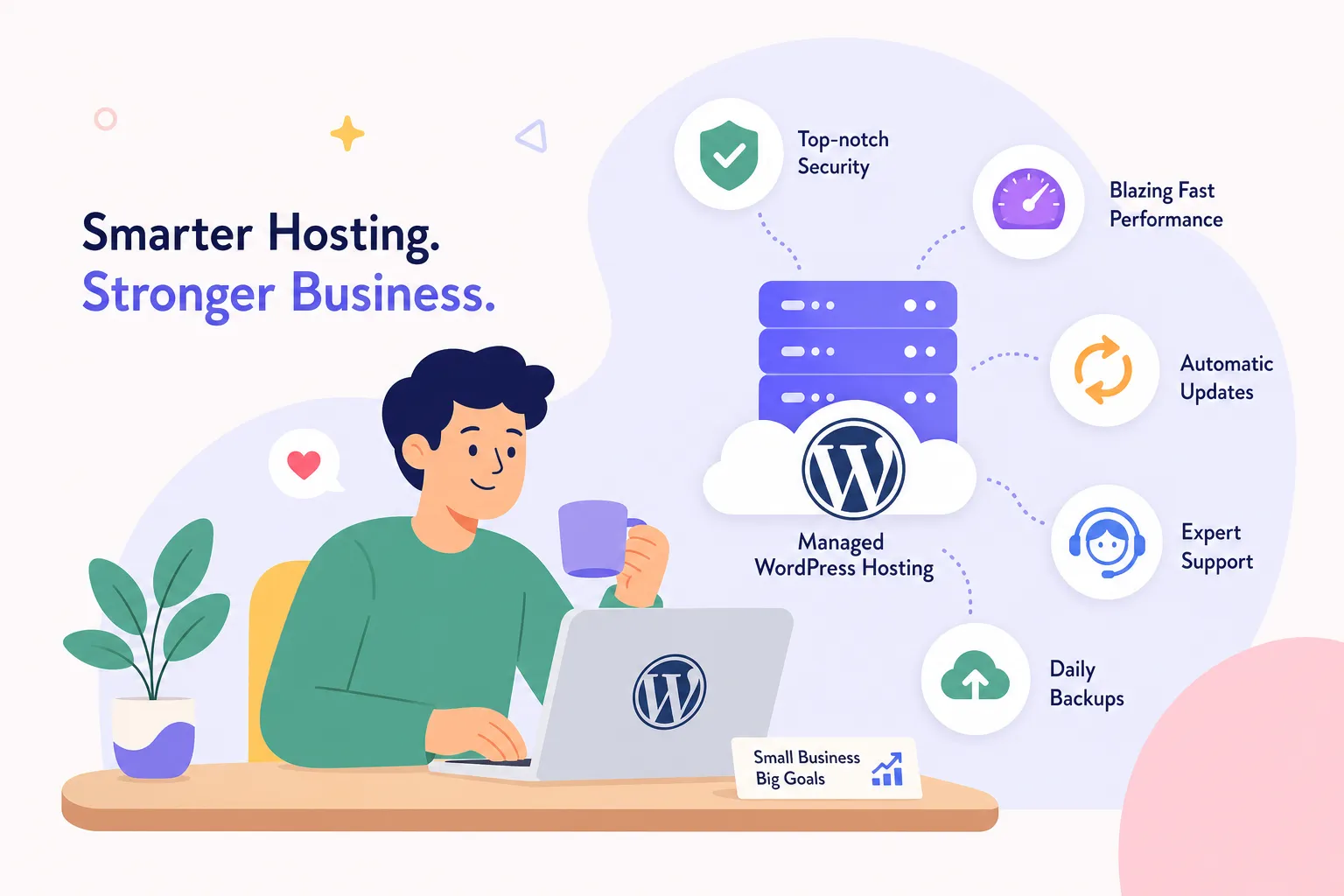
Managed WordPress hosting runs on infrastructure built specifically for WordPress, covering object caching layers like Redis or Varnish, PHP workers tuned for WordPress request patterns, and database query optimization that shared environments simply don’t offer. Beyond the hardware and stack configuration, the host takes ownership of the operational layer: server configuration, WordPress core updates, security patching, and daily backups. You give up some server-level control in exchange for a fully maintained environment. A useful analogy is renting a fully managed commercial kitchen versus leasing a raw warehouse space you have to equip and maintain yourself. One has everything set up and someone who handles the cleaning; the other requires you to bring every tool and mop your own floors. For a small business owner whose time isn’t best spent on server configuration, the managed kitchen is usually the right choice.
The Speed Advantage: What Your Site Can Realistically Expect
How WordPress-specific caching and CDN change your page load times
CDN integration alone can deliver up to 50% faster page load times compared to basic shared hosting, according to 2026 performance documentation from GoDaddy’s managed WordPress offering. Server-side caching layers like Redis and Varnish serve pre-built versions of your pages instead of rebuilding them from scratch on every request, which cuts database queries and reduces load time significantly. Most managed plans also include a global CDN that serves files from the data center nearest to your visitor, reducing latency for US-based traffic meaningfully. Caching, CDN delivery, and tuned PHP workers are cumulative, they work together, and a site that benefits from all three will see a noticeably different result than one that applies just one of those optimizations on a shared server.
Why performance during traffic spikes matters more than idle benchmarks
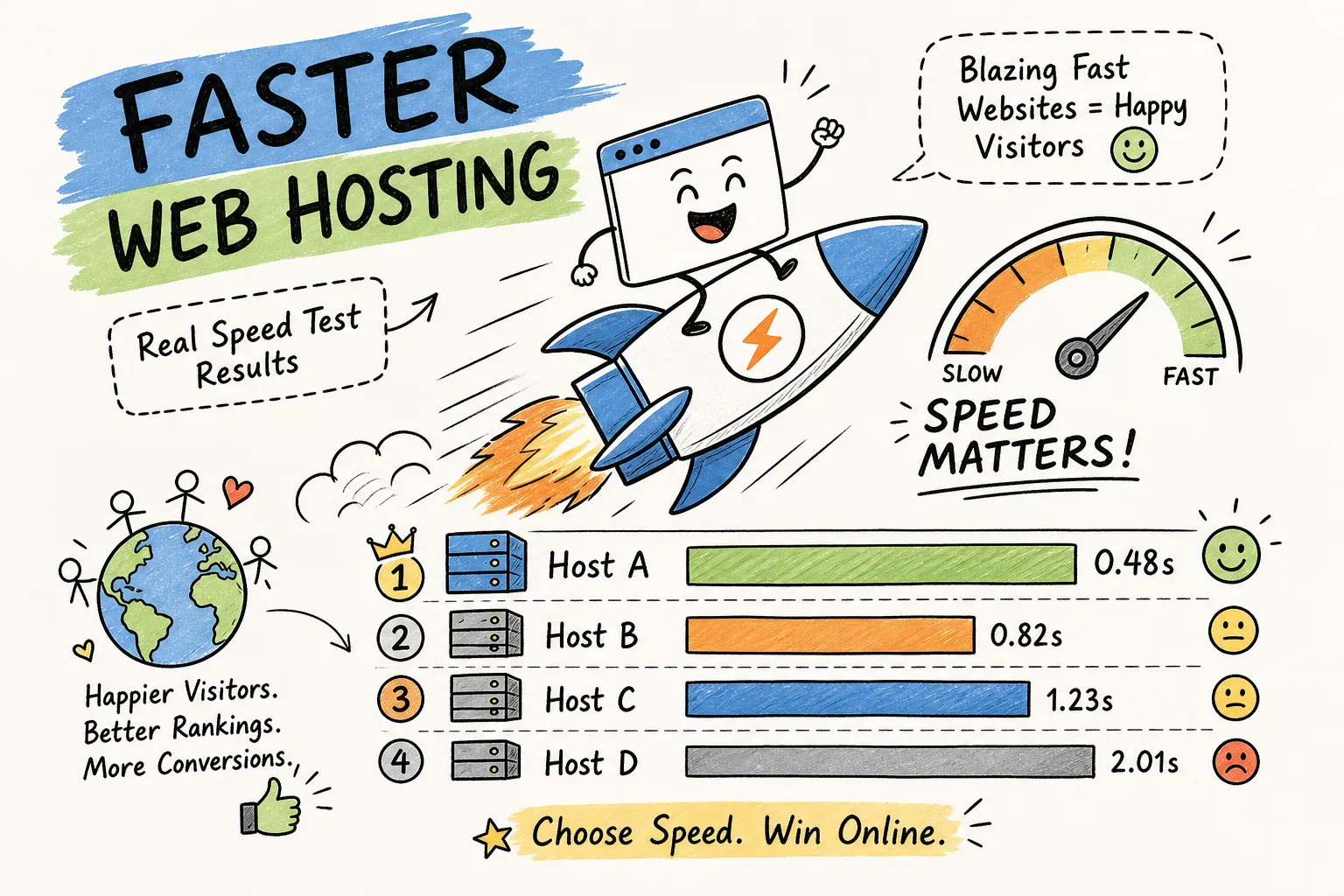
The comparison that actually matters for a small business isn’t how fast your site loads when no one is visiting. It’s how it holds up when a hundred people show up at once. In one benchmark from GTmetrix’s managed-versus-shared load testing documentation, a site loaded in 0.3 seconds on managed hosting versus 2 seconds on shared hosting during a traffic spike. That gap exists because shared hosting degrades under load: resources are pooled, and when demand goes up across multiple accounts, your site suffers. Managed hosting maintains consistent speed through isolated environments and scaling infrastructure that shared plans don’t have. Consider what that means for a local business getting coverage in a regional publication, or an e-commerce store running a promotional campaign. According to Google and SOASTA’s research, roughly 1 in 4 visitors abandon a site that takes more than 4 seconds to load. If your site doubles its load time exactly when you’re paying to drive traffic to it, the cost of that slowdown is real and measurable.
Managed WordPress Hosting Benefits: Security You Don’t Have to Configure Yourself
What the standard managed WordPress service features look like on the security side
Most managed WordPress hosting plans include four core security features as part of the standard stack: a Web Application Firewall (WAF), malware scanning, free SSL with automatic renewal, and DDoS protection. Feature availability does vary by provider and plan tier, malware removal and DDoS protection, in particular, may be limited to higher tiers or carry an additional cost at some hosts, so reading the plan details before committing is worth the time. The WAF filters malicious traffic before it reaches your WordPress installation, typically configured with rules specific to known WordPress attack patterns rather than a generic ruleset. SSL management is handled entirely by the host on most plans: provisioning, installation, and renewal all happen without you logging into anything. What this means practically is that you get a security stack that would take real technical time to configure and maintain independently, included as part of what you’re paying for each month.
Why automatic core and plugin updates are the most underrated benefit
The majority of successful WordPress hacks exploit known vulnerabilities in outdated plugins and themes, not novel attack methods. Managed hosts handle WordPress core updates automatically and, in many cases, run plugin updates through staging-first compatibility testing before applying them to your live site. That staging step is the detail that matters: the host checks whether an update breaks anything before pushing it live, rather than running blind updates that might take down a critical function. On shared hosting, updates are entirely your responsibility, and many small business owners delay them because they’re afraid of breaking something. The result is sites running outdated software, known vulnerabilities, and no systematic process for catching conflicts. Automatic managed updates remove that risk without requiring you to develop expertise in WordPress maintenance.
Time You Get Back Each Week After Switching
Managed migration and onboarding: what the process actually looks like
The biggest barrier most small business owners face when considering a switch is the fear of breaking or losing their existing site during the move. Most major managed WordPress hosts have addressed that concern by including free site migration, either fully managed or with guided tools that handle the technical steps. WP Engine’s small-business offering provides assisted migration through a managed service or automated migration tools, while Bluehost provides WordPress-trained specialists who handle the migration process with zero downtime for qualifying sites. That distinction matters: a fully managed migration means a WordPress engineer does the work; a self-serve tool means you follow guided steps. Either way, the process is substantially different from manually exporting databases and transferring files between servers. Onboarding typically includes account setup assistance and access to staging environments from the start, which makes the transition into a managed environment straightforward even for non-technical owners.
Expert WordPress support vs. generic hosting ticket queues
WordPress hosting with managed support operates on a fundamentally different model than shared hosting customer service. Shared hosting typically routes all requests through a general support queue staffed by people who handle billing questions, server outages, and WordPress problems with equal priority. Managed WordPress hosts provide WordPress-specific engineers who understand plugin conflicts, theme compatibility issues, and core behavior at a technical level. That difference becomes concrete in a real scenario: a WooCommerce checkout error appearing on a Friday afternoon on a shared host might generate a ticket that gets addressed Monday morning. On a managed plan offering 24/7 WordPress-expert support with documented sub-hour response SLAs, the same error gets worked on quickly by someone familiar with that class of WooCommerce conflict. WP Engine’s customer success team and account manager structure is an example of how the support tier difference plays out in practice, dedicated contacts rather than anonymous queues.
What Managed WordPress Hosting Actually Costs in 2026
Price ranges by tier and what each level covers
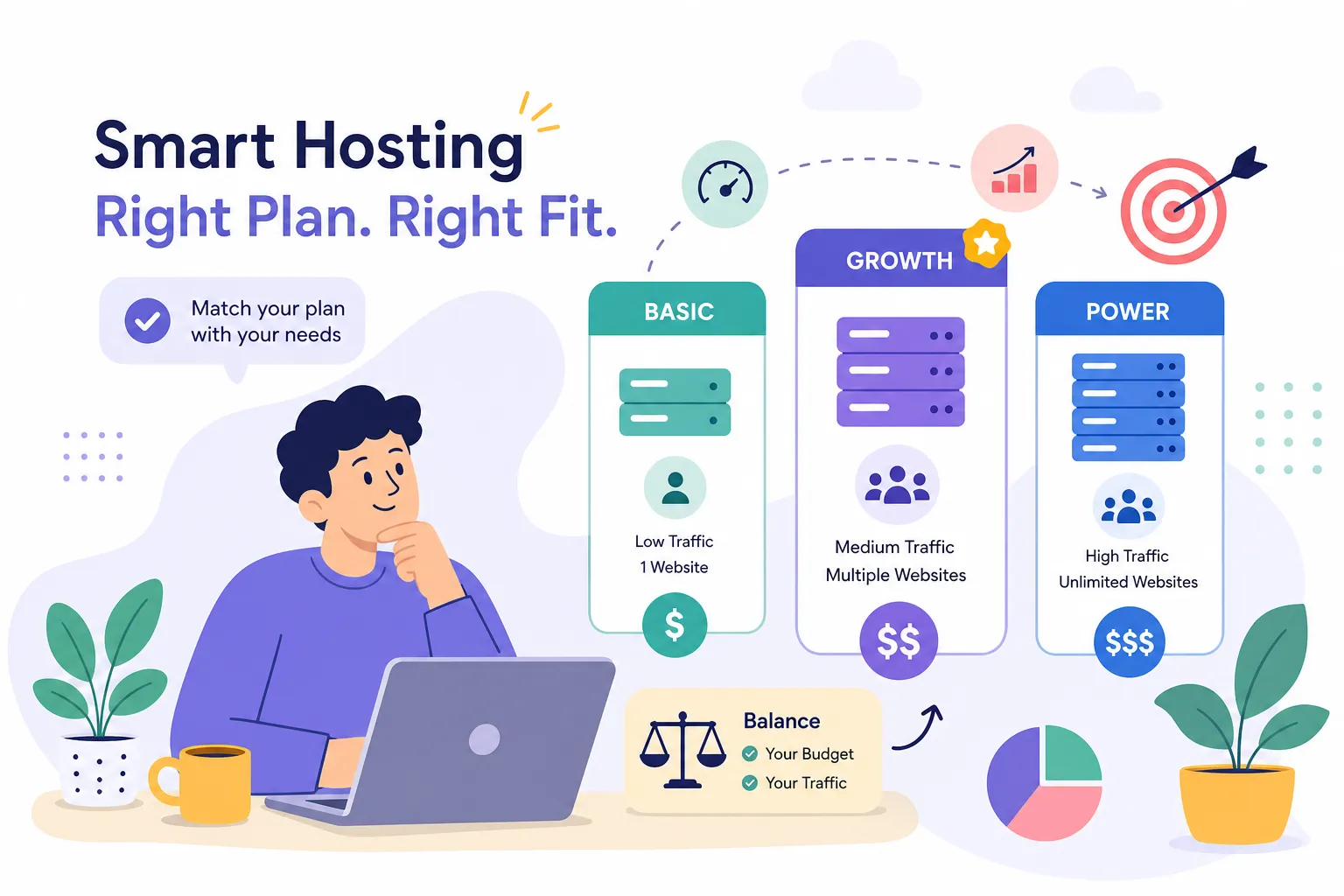
Entry-level managed WordPress plans in 2026 run from $20 to $35 per month, roughly $240 to $420 annually, and these plans are typically suitable for a single-site small business with moderate traffic. Mid-range managed plans sit at $30 to $50 per month, around $360 to $600 per year, and usually include stronger performance through more PHP workers, faster support response times, and more robust security tooling. Premium small-business plans reach $55 to $80 per month, or $660 to $960 annually, and cover high-traffic sites, WooCommerce stores with heavier transaction volume, or businesses that need multiple staging environments. A shorter takeaway: most small businesses land in the entry or mid-range tier. What changes across those tiers is specific, number of sites allowed, monthly visitor limits, storage allocation, CDN bandwidth, and support priority. Understanding which of those factors actually constrains your current site helps you match the tier to what you need rather than overpaying for capacity you won’t use.
The renewal pricing trap and how to plan your actual budget
Many managed WordPress providers advertise low introductory rates for the first billing term, then renew at a substantially higher standard rate. WP Engine, for example, has been documented with roughly a 56% price increase at renewal: a plan starting at $25 per month may renew closer to $39 per month. Bluehost’s shared managed WordPress plans show an even steeper jump in some documented cases. Kinsta is worth noting as an outlier: the provider has been documented as holding renewal pricing consistent with the initial rate, which makes long-term cost planning more predictable, see Best Kinsta Alternatives for Managed WordPress in 2026 for context on alternatives. The practical move is to calculate your total cost over two years before committing to any plan rather than comparing first-term promotional prices. Deal aggregators like Hosting Offer Today sometimes surface promotional rates applied to standard renewal pricing, which is worth checking before you commit. The number that matters for your budget is what you’ll pay in month 13, not month one. For a broader market view on pricing trends, see how much WordPress hosting costs in 2026.
When the Cost Is Clearly Worth It for a Small Business
Connecting speed and uptime directly to business outcomes
The advantages of managed WordPress hosting become financially concrete when you connect uptime and speed to revenue. Managed hosts typically guarantee 99.9% to 99.99% uptime: Kinsta’s standard SLA is 99.9% with enterprise contracts reaching 99.99%, while WP Engine holds at 99.95% and InMotion’s managed plans are cited at up to 99.999% in some documented comparisons. To put that in practical terms: a site generating $500 per day in revenue that experiences four hours of downtime per month loses roughly $80 in direct revenue that month, calculated as 4 hours out of a 720-hour month applied against $15,000 monthly revenue, not counting lost trust or repeat customers who encountered an error and didn’t return. The Pressable case study for Black Nova illustrates how this plays out: eliminating recurring downtime during high-traffic campaigns protected conversion opportunities exactly when those opportunities were most valuable. There’s also a compounding SEO effect: faster page load times contribute to better search rankings over time, and that organic visibility gain is worth real money to a small business trying to reduce paid acquisition costs.
Signs your current hosting setup is already costing more than you realize
An honest evaluation of managed hosting means accounting for costs that don’t show up as line items in your current hosting bill. Slow load times during traffic peaks, recurring plugin update issues, manual backups you’re running yourself, and support tickets that take more than 24 hours to resolve are all operational costs with a real dollar value. If you or a developer spends three hours per month managing hosting-related issues at $75 per hour, that’s $225 per month in labor cost, a figure that often exceeds the price of a mid-range managed WordPress plan. The reframe that changes how small business owners evaluate this decision is seeing managed hosting not as an upgrade expense but as a shift of existing costs: from unpredictable labor and downtime losses to a predictable monthly line item with a defined scope of coverage. Once you account for the full picture rather than just the monthly hosting fee, the math usually favors managed hosting.
How to Evaluate and Pick the Right Managed WordPress Plan
A short checklist before you commit to any plan
Comparing managed WordPress plans across providers is easier when you have a consistent set of criteria. Before you commit, work through this checklist:
- Does the plan cover your current monthly traffic volume with room to grow? Visitor limits vary significantly across tiers, and hitting the cap triggers overage charges or forced upgrades.
- Is WordPress-specific support available 24/7 or only during business hours? A site problem at 9 PM on a Friday needs a real response, not a ticket acknowledgment.
- Is free site migration included, and is it assisted or self-serve? Fully managed migration means the host’s team handles the move; self-serve means you follow a tool, which requires more of your time.
- Does the security stack include a WAF, malware scanning, automatic updates, and SSL management? Verify which features are included at your specific plan tier, some providers reserve malware removal or advanced security for higher tiers.
- What is the renewal price, not just the intro price, and is the billing term annual or monthly? Calculate what you’ll pay in year two before committing based on year-one pricing.
- Does the plan include staging environments for testing updates before they go live? Staging is what prevents an update from breaking your live site in front of customers.
Where to compare managed WordPress plans without overpaying
Provider websites present promotional pricing in ways that make apples-to-apples comparison genuinely difficult. Introductory rates are featured prominently while renewal rates are buried in fine print, and feature comparisons across providers require visiting multiple pages and reconciling inconsistent terminology. Hosting Offer Today addresses this directly: the site tracks current managed WordPress hosting deals from providers like Kinsta and WP Engine, shows verified discounts alongside real speed test data and pricing breakdowns, and updates regularly so the numbers you’re looking at reflect 2026 actual pricing. The practical approach is to use the checklist above, pull up two or three providers side-by-side through a resource like Hosting Offer Today, and compare on renewal pricing and feature completeness before signing up. For a curated provider list and speed-focused rankings, see 8 Best WordPress Hosting 2026: Ranked by Speed & Performance.
The Bottom Line on Managed WordPress Hosting for Small Businesses
The core wins from managed WordPress hosting are measurable: faster page load times that hold up under real traffic, a security stack that runs without your involvement, and maintenance hours you stop spending each week. Those benefits are real regardless of which provider you choose, assuming the plan includes the features outlined in the checklist above. The cost is higher than shared hosting, and the math makes the clearest sense when your website is directly tied to revenue, lead generation, or customer acquisition. A site that generates income, captures leads, or represents your business professionally carries a different risk profile than a hobby blog, and the hosting decision should reflect that.
When you weigh the managed WordPress hosting benefits for small business owners, faster pages, built-in security, and time savings, the total cost of ownership usually justifies the upgrade over shared hosting. Start with the checklist, be honest about your current traffic and growth trajectory, and calculate the two-year cost rather than the first-term price. Then use Managed WordPress Hosting: Features, Costs, and Top Picks to compare current deals on top providers and find verified discounts that apply to standard pricing, not just the introductory rate you’ll only pay once. Basing the decision on real renewal pricing and a clear feature comparison will get you to the right plan without overpaying for capacity you don’t need or underbidding on one that won’t hold up when it matters most.