If you’re wondering how much does Kinsta hosting cost per month, the pricing page looks clean and simple, until you start factoring in overage charges, add-ons, and billing cycle choices. Many users find the headline prices straightforward until add-ons and overages are applied. For example, a traffic spike or an extra staging add-on can quickly tack several dozen dollars onto your first invoice.
This article gives you a precise, no-fluff breakdown of every Kinsta plan price in 2026, how annual billing changes the math, what overages can do to your bill, and how to estimate your actual monthly cost before you commit. And if you want to bring that number down before signing up, Hosting Offer Today maintains a regularly updated list of Kinsta discount codes you can apply before your first payment clears.
How much does Kinsta hosting cost per month, every plan explained
Kinsta organizes its WordPress hosting into six clearly named tiers. Each tier sets a ceiling on sites, monthly visits, storage, and PHP workers. Here’s the full lineup for 2026 with exact USD pricing. See our Kinsta pricing plans for a complete cost and tier guide.
Starter and Pro: the entry-level options
The Starter plan runs $35/month and covers one WordPress site, 25,000 monthly visits, 10 GB SSD storage, one PHP worker, and 50 GB CDN bandwidth. It’s the right entry point for single-site owners who have passed the “just testing” phase and want real managed WordPress infrastructure. The Pro plan at $70/month doubles almost everything: two sites, 50,000 monthly visits, 20 GB storage, two PHP workers per site, and 100 GB CDN. On a per-site basis, Pro costs less than running two separate Starter accounts, $70/month versus $95/month if you added a second site to Starter at $30 extra.
Business tiers: where most growing sites land
Business 1 costs $115/month and handles five WordPress sites, 100,000 monthly visits, and 30 GB storage. It also includes three free migrations, which matters if you’re bringing existing sites over. Business 2 steps up to $225/month for ten sites, 250,000 monthly visits, and 40 GB storage. Business 3 sits at $340/month and accommodates twenty sites, 400,000 visits, and 50 GB storage. Freelancers and small agencies typically land somewhere in the Business 1 to Business 2 range depending on their client roster size.
Enterprise: built for volume
Enterprise starts at $675/month and includes 60 WordPress sites, 1,000,000 monthly visits, 100 GB storage, priority support, and a dedicated account manager on higher tiers. All plans across every tier include Google Cloud infrastructure, Cloudflare Enterprise CDN, free SSL, daily backups, staging environments, and 24/7 expert support at no additional charge. Those inclusions matter when you’re calculating value against cheaper alternatives that charge separately for each.
How much does Kinsta hosting cost per month with annual billing?
Many people skip past the annual billing toggle when signing up. That’s a mistake that costs real money. Kinsta gives you two months free when you pay annually, which works out to a 16.7% effective discount across every plan. The math is straightforward: you pay for ten months and get twelve.
What the effective monthly rate actually looks like
The table below shows how annual billing changes the Kinsta monthly cost on the most popular plans.
| Plan | Monthly Billing | Annual Billing (effective/mo) | Annual Total | Yearly Savings |
|---|---|---|---|---|
| Starter | $35.00 | $29.17 | $350 | $70 |
| Pro | $70.00 | $58.33 | $700 | $140 |
| Business 1 | $115.00 | $95.83 | $1,150 | $230 |
| Business 2 | $225.00 | $187.50 | $2,250 | $450 |
On Business 1 alone, switching to annual billing saves $230 over the course of a year. That’s not trivial.
When annual billing makes sense for your situation
If your site is past the experimental stage and you understand your traffic patterns, annual is the obvious choice. The only scenario where monthly billing earns its premium is during the first 30 to 60 days when you’re still testing Kinsta’s performance or haven’t yet confirmed which plan tier fits your traffic. Once you’ve confirmed the plan is right, switch to annual billing at renewal and pocket the savings.
Overage fees and add-ons that inflate your bill
Kinsta’s base plan prices are straightforward and publicly documented. What catches people off guard is what happens when you exceed your plan’s limits or add features that aren’t bundled into the base price. A Reddit thread from late 2024 described one customer receiving a notification of a significant bill increase tied to accumulated visit counts, disk usage, and site count growth. That wasn’t a billing error, it’s exactly how the overage math is designed to work.
Visit and bandwidth overages: the per-unit charges
Kinsta charges $0.50 per 1,000 excess monthly visits beyond your plan cap. A site on Starter (25,000 visits included) that hits 40,000 visits in a month owes an extra $7.50 for those 15,000 additional visits. Server bandwidth overages run $0.50 per GB, and CDN bandwidth overages are $0.05 per GB. Kinsta sends alerts at 80% and 100% of your usage threshold, so you’re not blindsided without warning. But if your traffic spikes during a product launch or viral moment, those alerts can come fast. For the official breakdown of per-unit overage charges, consult Kinsta’s overages documentation.
Add-ons that stack quietly
Beyond overages, a few paid add-ons can materially change your Kinsta monthly cost. Each extra WordPress site beyond your plan limit costs $30/month, which includes staging but not extra disk space. Additional disk space runs $20/month per 20 GB increment. Premium staging environments cost an additional fee per site per month when you need them for active development work, verify the current rate on Kinsta’s official pricing page, as this figure is updated periodically. Higher-frequency backups are optional but not cheap: $20/site/month for every-six-hours backups, and $100/site/month for hourly backups. None of these are hidden fees exactly, but they’re easy to undercount when you’re only looking at the base plan price.
What your real monthly cost looks like across three scenarios
Abstract pricing tables are useful for comparison shopping, but they don’t tell you what you’ll actually pay. These three scenarios map common site configurations to realistic monthly numbers, including billing cycle and likely add-ons.
Scenario 1: solo blogger on Starter
One site, stays under 25,000 visits per month, no premium staging needed, no extra add-ons. On monthly billing, that’s $35/month flat. On annual billing, the effective Kinsta monthly cost drops to $29.17. No overages, no surprises. This is Kinsta at its cleanest, and it’s a reasonable price for Google Cloud infrastructure with 24/7 WordPress support included.
Scenario 2: freelancer managing five client sites on Business 1
The Business 1 base covers five sites at $115/month. Add two extra client sites at $30 each and you’re at $175/month. Add premium staging for the two sites in active development and costs climb further before any traffic overages. If traffic stays well within the 100,000-visit ceiling, that’s your number. Realistic monthly total: $175 to $215/month, depending on how many sites are in active development at a given time (based on base plan plus two extra sites at $30 each and up to two premium staging add-ons).
Scenario 3: growing e-commerce site approaching its visit limit
A site on Business 1 (100,000 visits included) that hits 150,000 visits in a high-traffic month generates 50,000 visits in overages. At $0.50 per 1,000, that’s $25 on top of the $115 base, bringing the monthly total to $140. If that traffic pattern repeats for three or four months per year, you’re paying $75 to $100 in pure overages annually (3 months × $25 = $75; 4 months × $25 = $100). At that point, upgrading to Business 2 at $225/month is often cheaper than absorbing repeated overages and receiving no additional sites or storage in return.
Is Kinsta worth the price? A value-per-dollar reality check
Kinsta sits at the premium end of managed WordPress hosting. Whether the price is justified depends on what you’re comparing it to and what you’d otherwise pay to assemble the same features separately. If you’re assessing small-business use specifically, read is Kinsta worth it for small business for focused speed tests and analysis. For an independent perspective on Kinsta’s strengths and weaknesses, see the WinningWP Kinsta review.
What’s included that most hosts charge extra for
Every Kinsta plan bundles Google Cloud infrastructure, Cloudflare Enterprise CDN, free SSL certificates, staging environments, daily automated backups, and 24/7 access to WordPress-specialized support. On a budget shared host, you’d piece these together from multiple paid tools at additional monthly cost, and you’d still get slower performance and less reliable uptime. The infrastructure quality gap between shared hosting and Google Cloud is measurable, especially under traffic load.
How Kinsta’s cost stacks up against managed WordPress alternatives
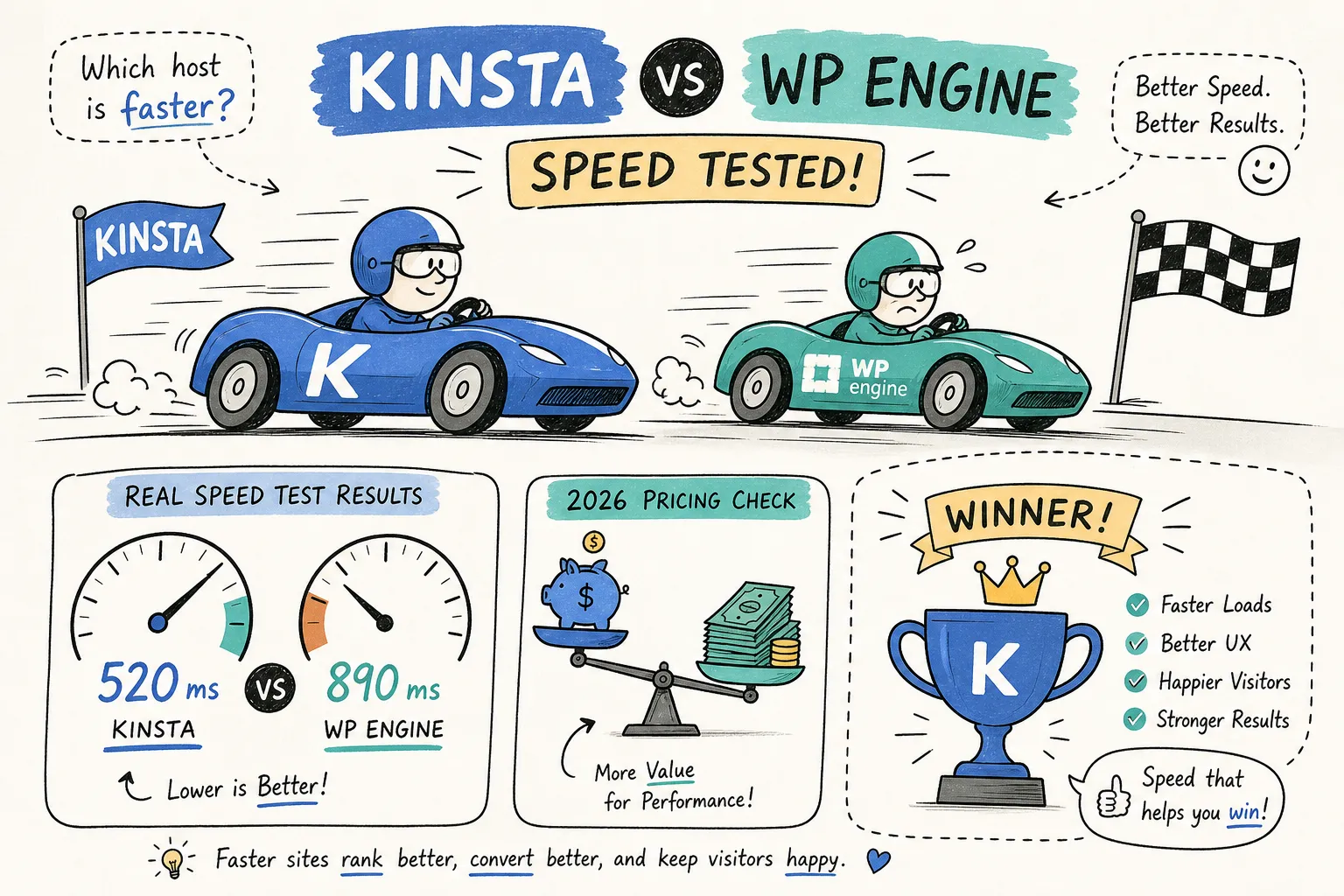
Competitors in the managed WordPress space operate in a similar price bracket. WP Engine’s entry plan starts around $20/month but caps at 25,000 monthly visits with stricter limits on installs (pricing subject to change; check WP Engine’s current pricing page for the latest figures). Kinsta’s Starter at $35/month costs more upfront, but the Google Cloud infrastructure, CDN quality, and support depth reflect where that price difference goes. For agencies and developers billing clients, the performance margin typically covers the cost differential without much friction.
How to reduce your Kinsta bill before you sign up
There are two levers you control before your first payment: plan selection and promotional pricing. Taking a few minutes to evaluate both can result in meaningful savings, especially on an annual commitment.
Right-sizing your plan from the start
Overbuying is the most common planning mistake. Pull three months of traffic data from Google Analytics before choosing a plan tier. If you average 20,000 monthly visits, Starter covers you with buffer to spare. If you’re running three sites, Pro at $70/month is more efficient than adding two extra sites to Starter at $30 each, which totals $95/month for the same coverage. Match your plan to your actual numbers, not to where you hope to be in six months, and consult Kinsta’s guide to choosing the right plan if you’re unsure which tier maps best to your traffic and storage needs.
Using verified discount codes to lower your first-year cost
Before entering your card details, check Kinsta first month free promotion on Hosting Offer Today for current Kinsta promo codes. The site maintains regularly updated coupon codes and promotional deals for Kinsta that can reduce your effective monthly cost, particularly on annual billing where the savings already compound significantly. Stacking a promo code on top of an annual billing commitment is one of the fastest ways to lower your first-year Kinsta spend without changing anything about your plan configuration.
The bottom line on Kinsta’s monthly cost
Kinsta’s pricing is more transparent than most managed WordPress hosts, but only if you understand the full picture. The base plan prices are fixed and clearly published. The real variation in how much Kinsta hosting costs per month comes from your billing cycle choice, the add-ons you layer on, and whether your traffic stays within your plan’s monthly limits.
The single most impactful decision you can make is committing to annual billing early. On Business 1 alone, that saves $230 per year. Right-size your plan against real traffic data, budget for at least one overage buffer per month if you’re near a plan ceiling, and treat add-ons like premium staging and high-frequency backups as deliberate choices, not default inclusions.
In short, if you want to know how much Kinsta hosting costs per month, plan for anywhere from $29.17 (Starter, annual) to $675-plus (Enterprise) before overages and add-ons. Check Kinsta first month free promotion on Hosting Offer Today for any active Kinsta discount codes before you commit, reducing your first-year cost is straightforward once you know where to look.