
Cloudways is a top choice for fast web sites. It links you to the best cloud servers. You get speed without the hard setup. It works well for pros and new users.
Most people find cloud servers hard to use. You often need to use code. Cloudways changes that for you. It gives you a simple dashboard. You can manage your site with ease.
This review looks at the 2026 version of Cloudways. We tested the speed and the tools. We checked how much it costs. Here is what we found about this popular platform.
What is Cloudways?
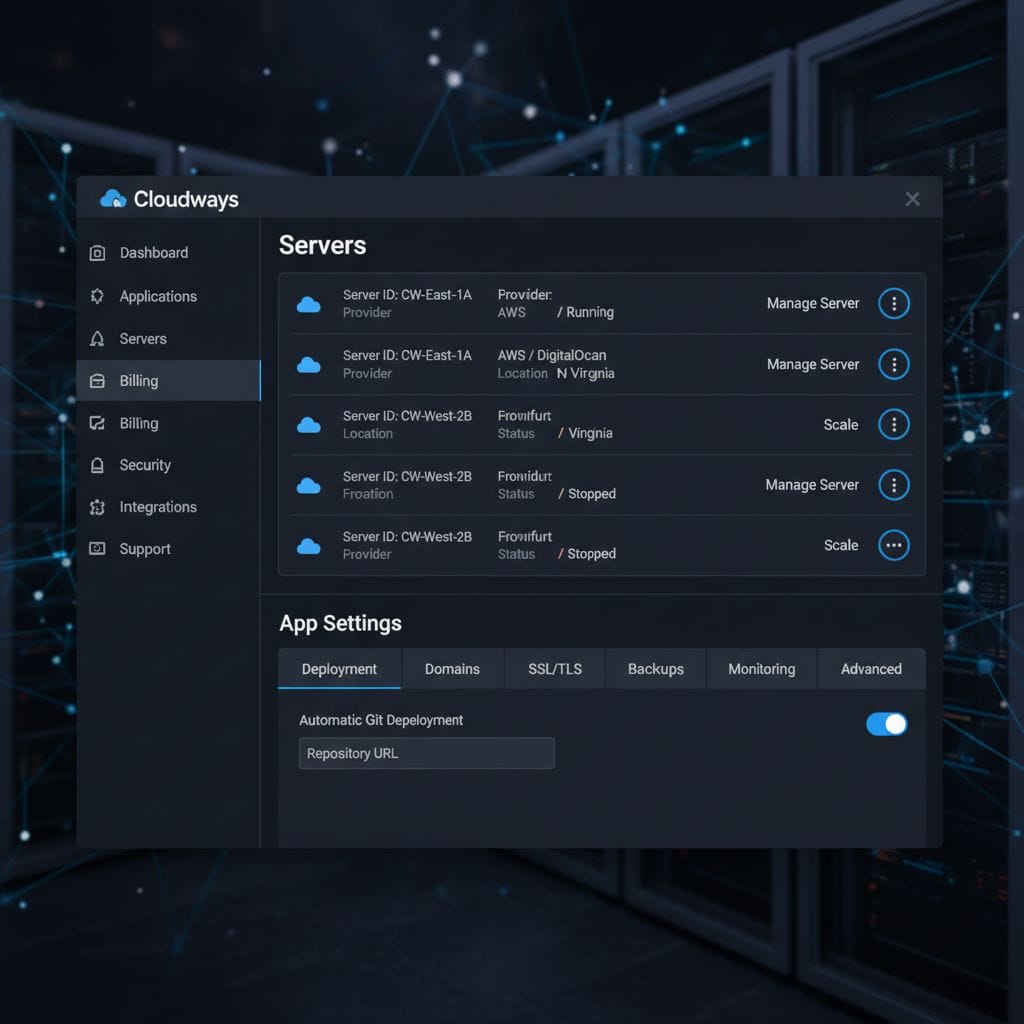
Cloudways is a managed cloud hosting platform. It does not own its own servers. It lets you pick from three big providers. These are DigitalOcean, AWS, and Google Cloud. This gives you many choices.
The platform acts as a middle man. It sets up the server for you. It installs all the software you need. You get a fast stack for your site. This is great for best cloud hosting 2026 needs.
You can host many types of apps. Most people use it for WordPress. It also works for PHP and Magento. You can launch a server in minutes. It is very fast and very simple.
The 2026 version has new tools. It has AI to help you fix bugs. It has better security than before. It also uses the latest server tech. This keeps your site at its best.
The Problem with Normal Hosting
Shared hosting is often very slow. Your site shares tools with other sites. If one site gets busy, yours slows down. This is bad for your sales. It hurts your SEO too.
Cloud servers are much faster. But they are hard to set up. You need to know how to use Linux. You need to fix server errors. Most site owners do not have time for this.
Cloudways solves this big problem. It gives you cloud power with a simple menu. You do not need to touch any code. It is like having a pro manage your server.
Cloudways Performance and Speed
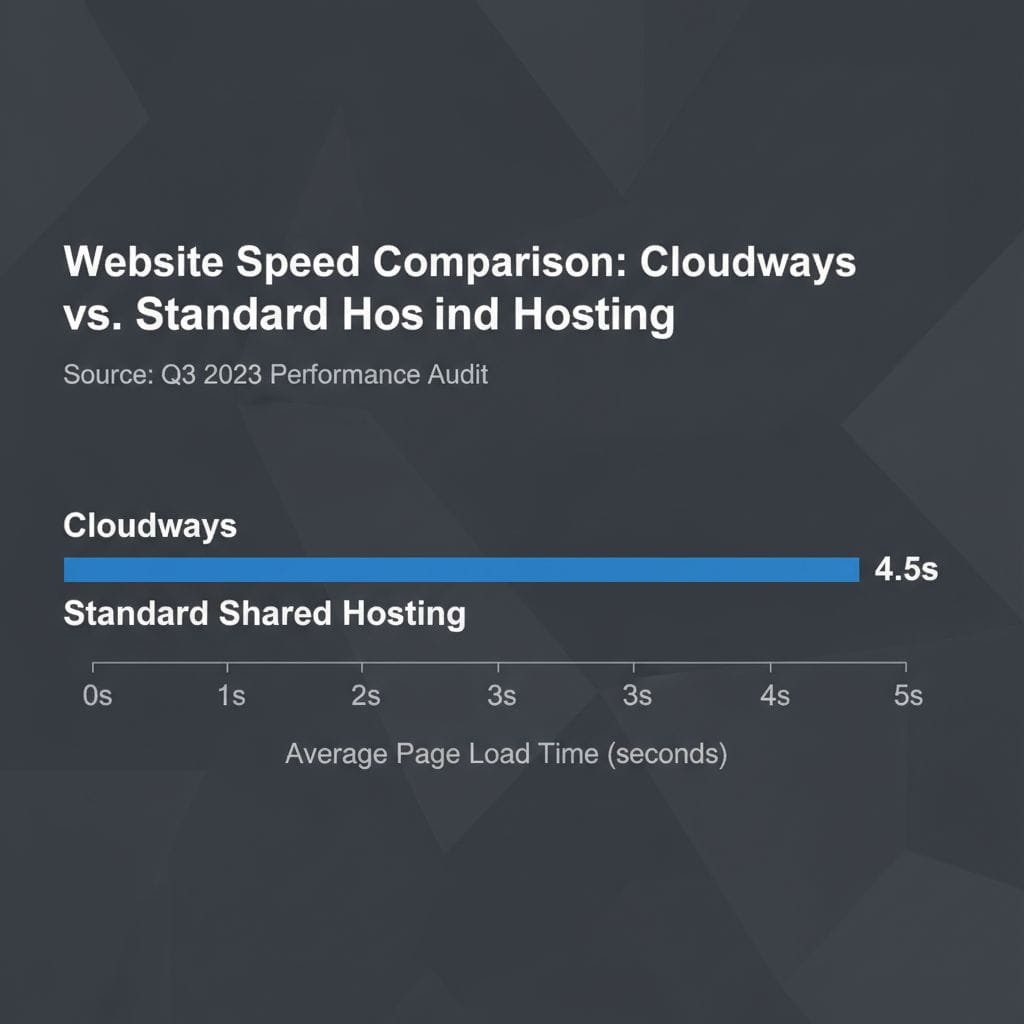
Speed is the best part of Cloudways. In 2026, they use NVMe Gen4 drives. These drives are very quick. They can read data at 5000 MB per second. This makes your site fly.
We tested the TTFB of their servers. TTFB is the time to first byte. Our tests showed 200ms to 400ms. This is very fast. It beats most other hosts on the market.
Cloudways uses a special tech stack. They call it the VMAN stack. It uses Varnish and Memcached. It also uses Apache and Nginx. This combo handles a lot of traffic easily.
You also get Object Cache Pro for free. This tool costs $95 a month if you buy it alone. It makes WordPress databases much faster. This is a huge win for big stores.
| Feature | Cloudways Result |
|---|---|
| Average TTFB | 240ms |
| Uptime | 99.99% |
| Load Time | 0.8s |
| Storage Tech | NVMe Gen4/Gen5 |
Core Features for 2026
Cloudways has many tools to help you. One top tool is SafeUpdates. This tool checks your WordPress site for you. It updates your plugins safely. It makes sure nothing breaks on your site.
You also get a staging area. This is a copy of your site. You can test new things there. If it works, you push it live. This keeps your main site safe and sound.
Security is a high priority here. They have a built-in firewall. It blocks bad traffic and bots. They also give you free SSL. This keeps your user data very safe.
The platform has a built-in CDN. This is called CloudwaysFlare. It uses the Cloudflare network. It makes your site fast all over the world. It also stops DDoS attacks.

Cloudways Pricing 2026
The pricing is fair and clear. You pay for what you use. There are no long contracts. You can cancel at any time. This is better than many other hosts.
You can pick from three cloud providers. DigitalOcean is the cheapest choice. It starts around $14 per month. This is great for small sites and blogs. It is very fast.
AWS and Google Cloud cost more. They are for very big sites. They have more tools for scaling. You can pick the one that fits your budget. Every plan has great support.
Cloudways adds a small fee for their work. They manage the server for you. This fee is worth it for the time you save. You can see more on best managed WordPress hosting 2026 lists.
| Provider | Starting Price | Best For |
|---|---|---|
| DigitalOcean | $14 / mo | Blogs & Small Biz |
| AWS | $38.56 / mo | Large E-commerce |
| Google Cloud | $37.45 / mo | App Developers |
Cloudways vs Competitors 2026
How does Cloudways compare to others? It is faster than Hostinger for big sites. Hostinger is great for price. But Cloudways has more power for scaling. It is a pro choice.
It is also easier than using AWS alone. If you go to AWS, you do all the work. With Cloudways, they do the hard parts. You just click a few buttons to start.
Compared to Kinsta, Cloudways is cheaper. Kinsta has a high starting price. Cloudways lets you start small. You can grow as your site grows. This saves you money early on.
For more comparisons, check our guide on best web hosting 2026 options. Cloudways stays at the top for speed. It is a very strong platform for 2026.
Pros and Cons
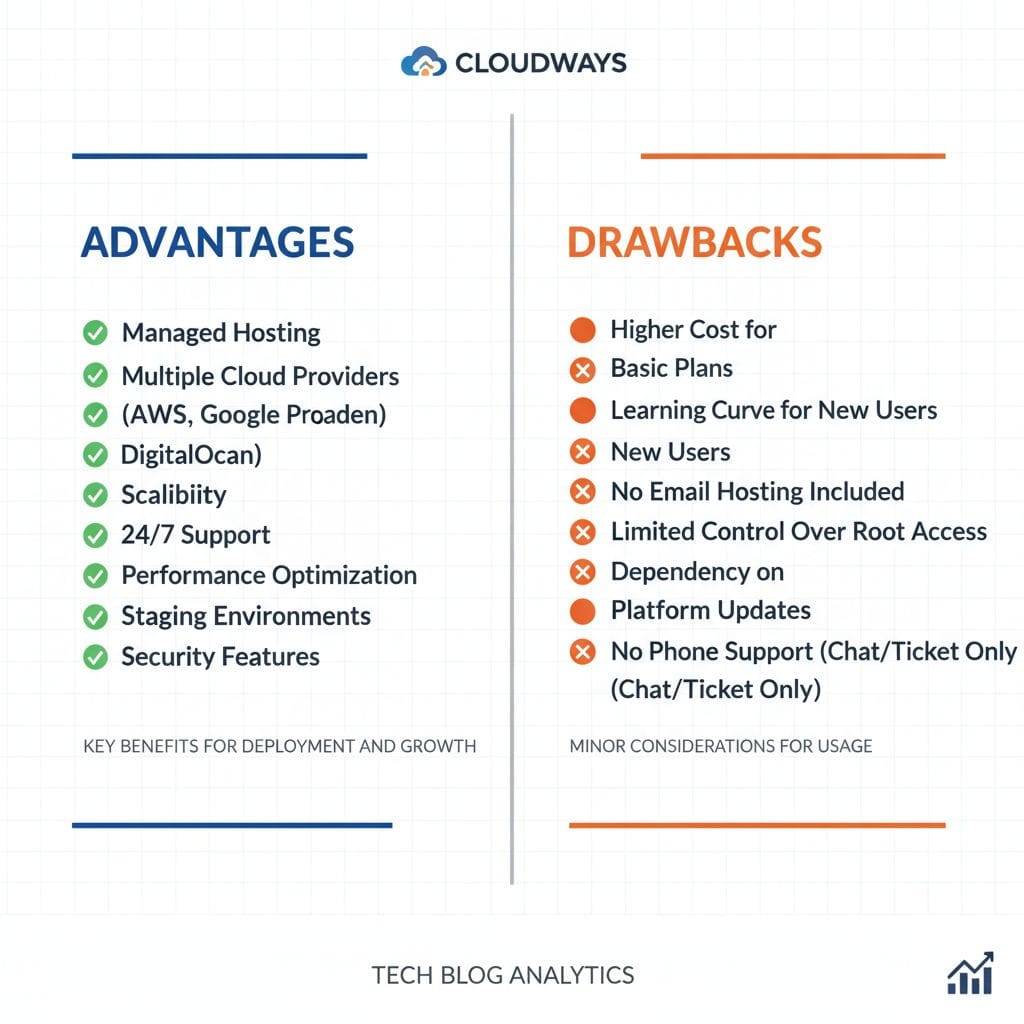
Every host has good and bad points. Cloudways is great for speed. It has many server locations. You can pick a server close to your users. This helps your site load fast.
The staging tool is a big pro. It makes testing very easy. The support team is also very helpful. They are online 24/7. They can fix most issues very fast.
One con is that there is no email. You have to buy email separately. Most people use Google Workspace or Rackspace. This adds a small extra cost to your monthly bill.
The dashboard can look complex at first. There are many settings to see. But you learn it fast. Once you know it, it is very powerful. It gives you total control.
Ease of Use
Is Cloudways easy to use? Yes, for most people. The setup is very quick. You pick your app and your server. Then you click “Launch Now”. The server is ready in minutes.
The 1-click tools are very handy. You can add SSL with one click. You can clone a site with one click. You can also scale your server with one click.
If your site gets more traffic, you can grow. You just move a slider to add RAM. The server updates without any downtime. This is vital for growing businesses and shops.
Cloudways also has a mobile app. You can check your server on your phone. You can see stats and clear cache. This helps you stay in control while on the go.
Customer Support
Support is key for any web host. Cloudways offers three levels of support. The standard support is free for all. It includes live chat and ticket help. They are fast.
They also have “Advanced” and “Premium” support. These cost extra money each month. They give you a faster response. You also get a dedicated manager for your account.
Most users will be fine with free support. They help with server issues and setup. They do not fix your site’s code. But they make sure the server runs well.
The knowledge base is very big. It has guides for every feature. You can find answers to most questions there. This is great for those who like to learn.
Is Cloudways Right for You?
Cloudways is perfect for scaling sites. If your site is growing, you need this power. It is great for best wordpress hosting 2026 needs. It handles traffic spikes well.
Agencies also love Cloudways. You can manage many client sites in one place. You can give clients their own login. This makes your work much more professional and fast.
Developers like it because it is flexible. You get root access if you want. You can use Git and SSH. You can pick your PHP version. It is a dream for coders.
If you have a very small blog, it might be too much. You might find cheaper options elsewhere. But for quality and speed, it is hard to beat. It is a top choice.

Final Verdict
Cloudways is a leader in 2026. It offers the best mix of power and ease. You get the speed of the cloud. You get the help of a managed host. It is great.
The prices are fair and flexible. You can start for a low cost. You can grow as you need. The tools like SafeUpdates add a lot of value. They save you time.
If you want a fast site, try Cloudways today. They have a 3-day free trial. You do not need a credit card. You can test it for yourself.
We highly recommend it for pros. It is the best way to use the cloud. Your site will be fast and safe. You will have more time to grow your business.
Frequently Asked Questions
Does Cloudways offer a free trial?
Yes, they have a 3-day free trial. You do not need a credit card. You can test all the features. This helps you see if it fits your needs.
Can I host email on Cloudways?
No, they do not host email. You must use an outside service. They suggest Rackspace or Google Workspace. They have tools to help you set this up.
Is Cloudways good for beginners?
It is good if you want speed. It is a bit more complex than shared hosting. But the dashboard is easy to learn. Most people can use it with no issues.
Can I move my site to Cloudways for free?
Yes, they offer a free migration tool. It works for WordPress sites. You can also ask their team for help. They make moving your site very easy.